HTML Page Title Tag Explained: Best Practices, Examples, and SEO Optimization Guide
By Pramod Behera · Updated: September 14, 2026 · 20 min read
- What is the HTML Page Title Tag
- What is an HTML Page Title?
- Example HTML Page Title
- Full Page Example With Title Tag
- Why is the HTML Title Important?
- HTML Title Tag Syntax Rules
- Where the Title Tag Belongs in Your Document
- How Long Should a Title Tag Be?
- Title Tag vs H1 Heading: What's the Difference?
- How to Write an SEO-Friendly Title Step by Step
- Proven Title Tag Formulas
- Dynamic Titles for CMS and E-commerce Sites
- How the Title Tag Impacts Google Rankings
- Common Title Tag Mistakes to Avoid
- Before and After: Weak vs Strong Titles
- Tools to Test and Preview Your Title Tag
- Setting the Title Tag on Popular CMS Platforms
- Title Tag Best Practices Checklist
- Try It Yourself – Live Code Preview
- Practice Exercises
- Frequently Asked Questions
What is the HTML Page Title Tag, why it's important for SEO HTML Page Title Tag -
HTML page title is the text shown in the browser tab and defined using the <title>tag within the <head> section of an HTML document.This small tag of code has a main impact on user experience, SEO (Search Engine Optimization), and website navigation and tracking...
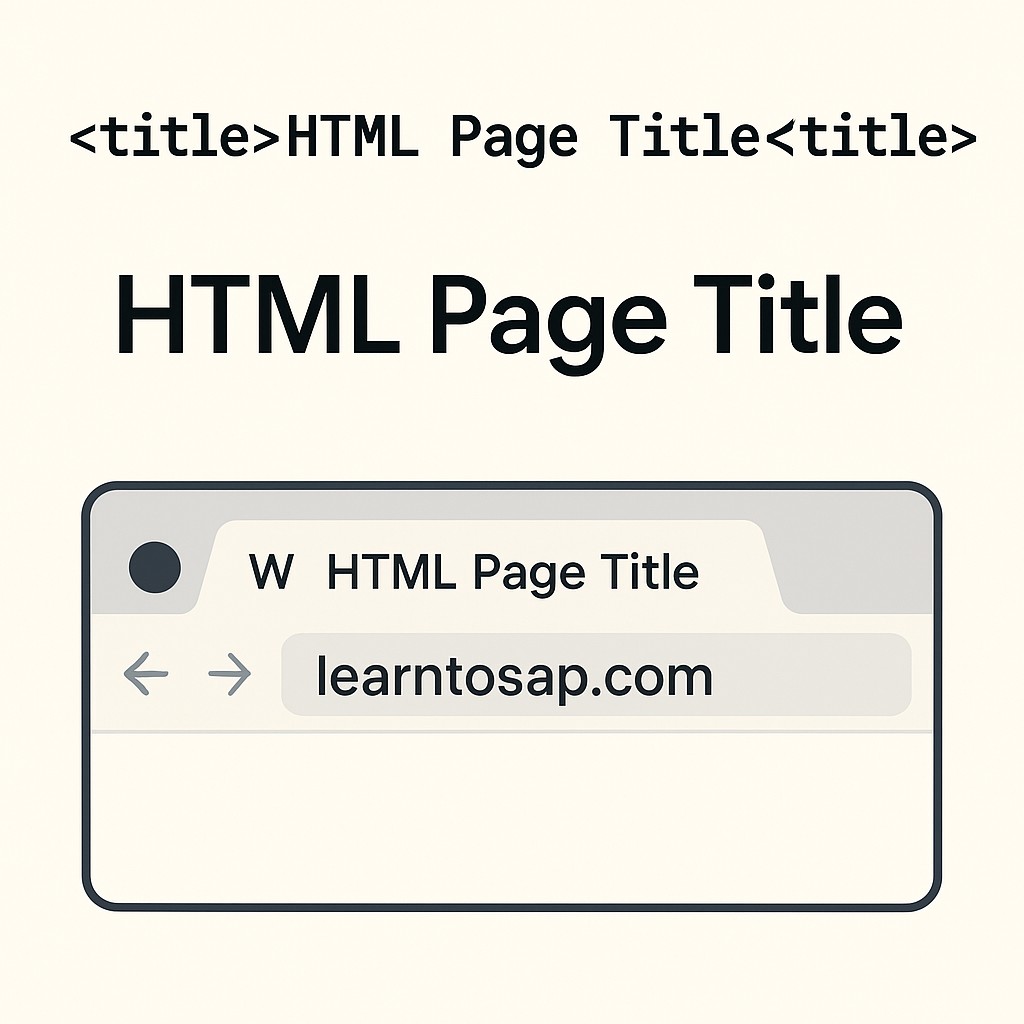
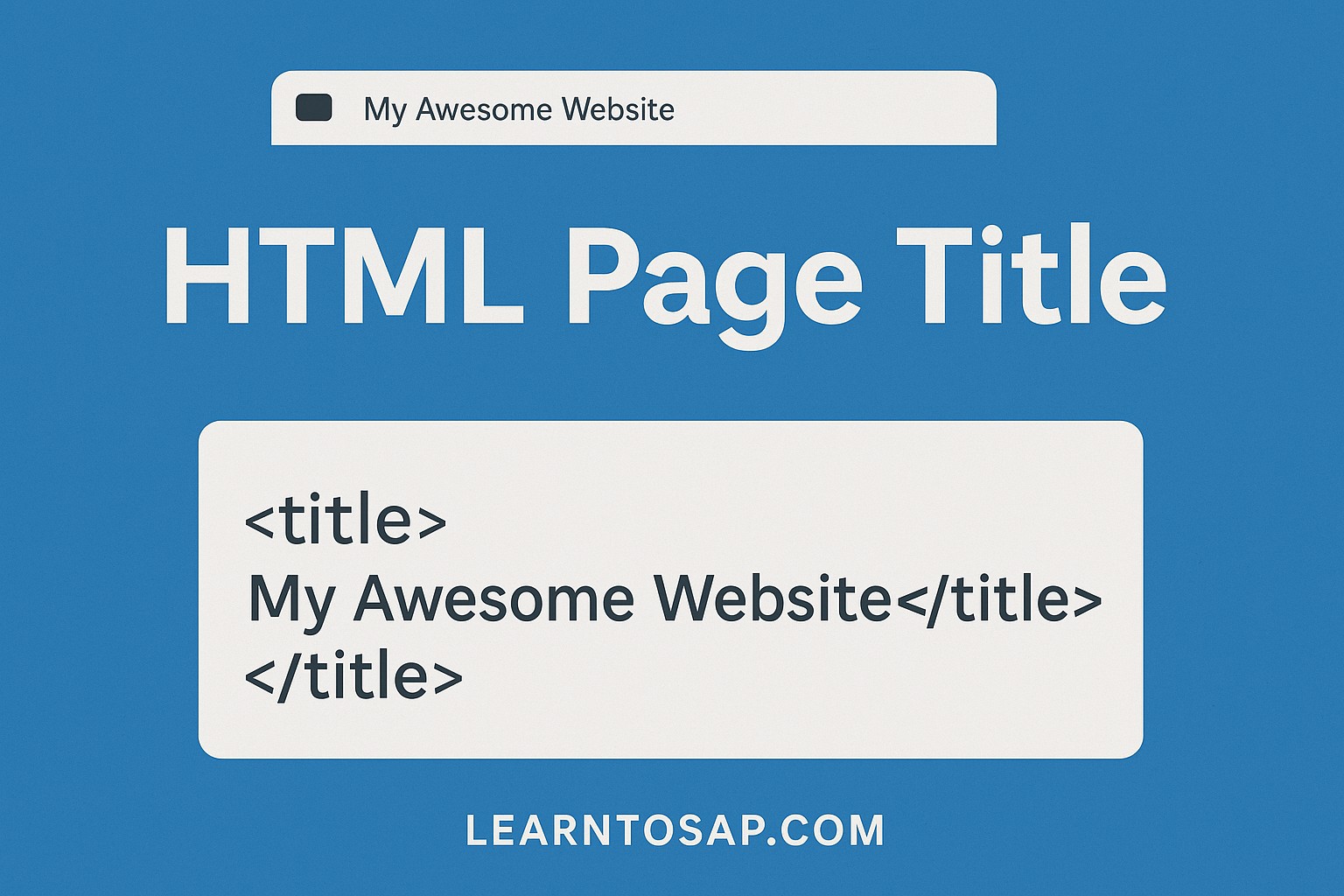
🔗 📌 What is an HTML Page Title?:-
✅ Example HTML Page Title-👇
<title>Learn SAP Basics | Learntosap.com</title>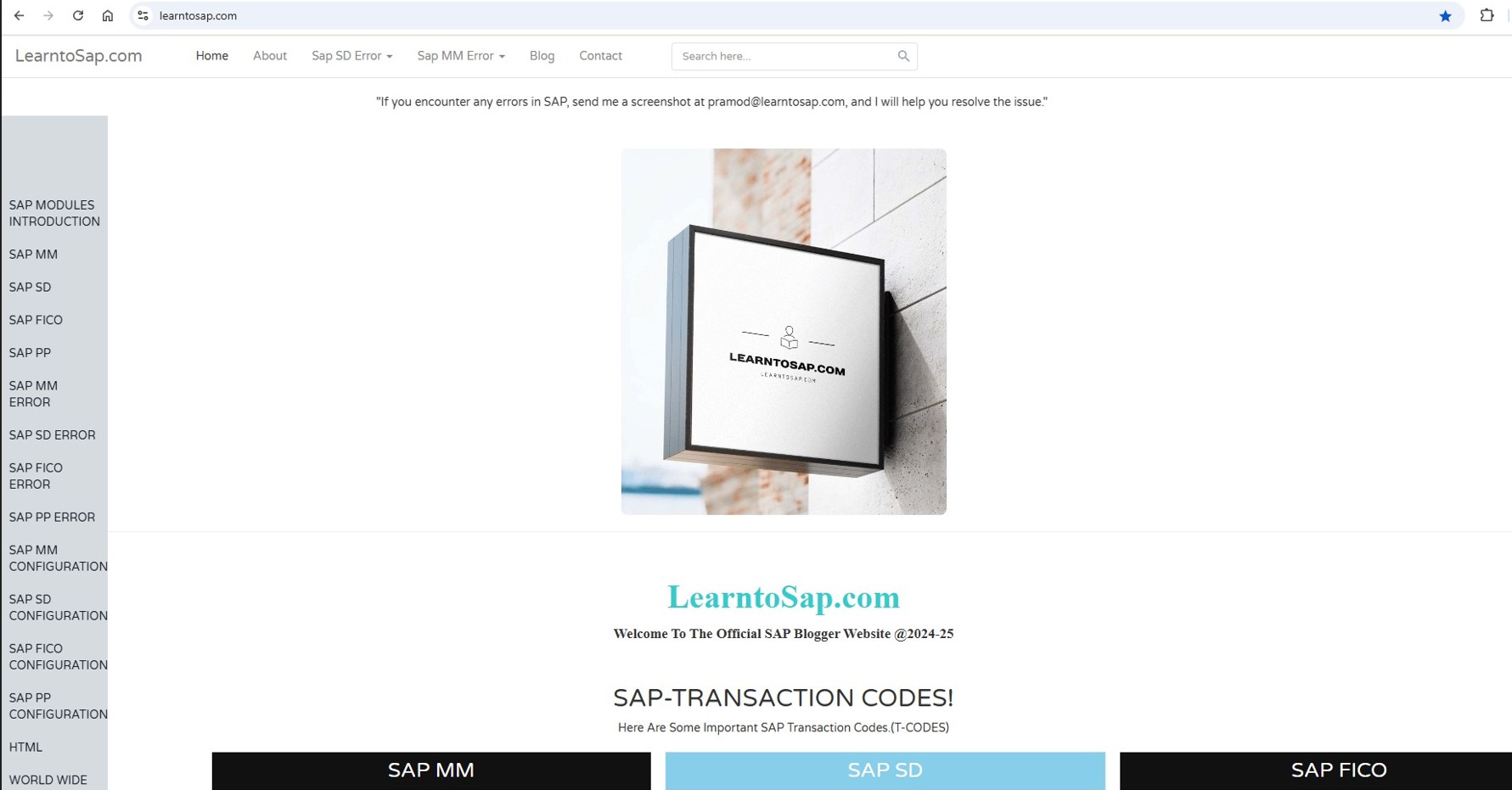
✅ Example HTML Page Title-👇
<!DOCTYPE html>
<html>
<head>
    <title>Lerantosap.com</title>
</head>
<body>
    <h1>Welcome to My SAP Website</h1>
    <p>This is the homepage of learntosap.com.</p>
</body>
</html>
Notice that unlike the favicon or image tags covered earlier in this series, <title> is not a self-closing tag — it has an opening tag, some visible text content in between, and a required closing </title> tag, because the whole point of the element is to hold a short piece of text.
✅ Why is the HTML Title Important?
-)🔸SEO Benefits:-Search engines like Google use the title tag to understand the content of your page. A clear, relevant, and keyword-rich title can improve your website's visibility in search engine results. For example, if your page is about "Teaching SAP modules for Students," using that phrase in the title tag can help you rank higher when people search for that topic.
-)🔸Social Sharing and Bookmarks:-When a page learntosap.com is shared on social media or bookmarked, the title is often used as the default label. A well-written title makes your content more appealing and shareable..
-)🔸Accessibility:-Screen readers and accessibility tools use the page title Example-learntosap.com to announce the purpose of a web page. A clear and description title helps visually efective. users understand and navigate your content better explanation..
HTML Title Tag Syntax Rules
The title tag looks deceptively simple, but a handful of technical rules govern how browsers and search engines actually treat it.
| Rule | Details |
|---|---|
| Location | Must sit inside <head>, never inside <body>. |
| Count per page | Exactly one <title> element per valid HTML document. |
| Content type | Plain text only — no nested HTML tags are permitted inside it. |
| Closing tag | Required. Unlike void elements, <title> must be explicitly closed with </title>. |
| Special characters | Characters like & should be HTML-escaped (e.g. &) to avoid rendering issues. |
Where the Title Tag Belongs in Your Document
Browsers technically tolerate a <title> tag placed elsewhere, but the specification requires it inside <head>, and placing it there is the only method that reliably works across every browser, screen reader, and search engine crawler. It should also appear as early as practical within the <head>, generally right after the character encoding declaration, since some tools and older browsers read only the first portion of a page's markup when generating previews.
How Long Should a Title Tag Be?
Google doesn't enforce a strict character limit, but it does truncate titles that are too wide to fit the search results display, which is measured in pixels rather than characters, though character counts are used as a practical approximation.
| Guideline | Recommendation |
|---|---|
| Character count | Roughly 50 to 60 characters |
| Pixel width | Under approximately 580 pixels |
| Mobile search results | Slightly narrower than desktop, so keep the most important keywords near the front |
| Below the limit | Too short wastes an opportunity to include useful keywords |
| Above the limit | Google truncates with an ellipsis, sometimes rewriting the title entirely |
Title Tag vs H1 Heading: What's the Difference?
Beginners frequently confuse the <title> tag with the page's main <h1> heading, since both often describe the same topic.
| Aspect | Title Tag | H1 Heading |
|---|---|---|
| Where it appears | Browser tab, search results, bookmarks | Visible inside the page content |
| Count per page | Exactly one, in <head> | Best practice: one per page, in <body> |
| Purpose | Metadata describing the whole document | Visible content heading for readers |
| Must match exactly? | No — can be phrased differently | No — can be phrased differently |
They don't have to be word-for-word identical, but keeping them thematically consistent reassures both visitors and search engines that the page delivers on what the search snippet promised.
How to Write an SEO-Friendly Title Step by Step
Step 1: Identify the Primary Keyword
Decide on the single main phrase a visitor would type into Google to find this exact page, and make sure that phrase appears in the title.
Step 2: Place the Keyword Near the Front
Search engines and human scanners both give more weight to the first few words of a title, so lead with the keyword rather than burying it at the end.
Step 3: Add a Differentiator
Words like "Guide," "Examples," "2026," or "Step-by-Step" help your title stand out among many similar results competing for the same query.
Step 4: Include the Brand Name
Adding your site name, usually separated with a pipe or dash, builds recognition over repeated impressions in search results, as shown in the "Learn SAP Basics | Learntosap.com" example above.
Step 5: Trim to Length
Once the title reads naturally, check it against the roughly 50 to 60 character guideline and tighten any unnecessary words.
Proven Title Tag Formulas
| Formula | Example |
|---|---|
| Keyword + Benefit + Brand | HTML Title Tag Explained: Best Practices & SEO Tips | LearntoSap.com |
| How-To + Keyword | How to Write an SEO-Optimized Page Title in HTML |
| Number + Keyword | 7 HTML Title Tag Mistakes That Hurt Your SEO |
| Keyword + Year | HTML Title Tag Best Practices for 2026 |
Dynamic Titles for CMS and E-commerce Sites
Large sites with thousands of pages rarely write every title tag by hand. Instead, they use a title template that automatically inserts page-specific data.
<title>{{ProductName}} - Buy Online at Best Price | LearntoSap Store</title>On a blog, a similar template might combine the post title with the site name automatically, such as {{PostTitle}} | LearntoSap.com, ensuring every new article gets a properly branded, unique title without manual editing on each publish.
How the Title Tag Impacts Google Rankings
1. Direct Relevance Signal
The title tag is one of the strongest on-page signals Google uses to match a page to a search query, since it's the clearest, most concise statement of what the page is about.
2. Click-Through Rate
Even at an identical ranking position, a compelling, specific title consistently earns more clicks than a vague or generic one, and Google's own ranking systems factor in engagement signals like this over time.
3. Google May Rewrite Weak Titles
If your title tag is missing, duplicated across pages, stuffed with keywords, or doesn't match the page's actual content, Google will sometimes generate its own title for the search snippet, taking control away from you.
4. Featured Snippets and Rich Results
A precise, well-matched title increases the odds Google selects your page for enhanced search features, since it signals a strong topical match with less ambiguity for the algorithm to resolve.
Common Title Tag Mistakes to Avoid
❌ Mistake 1 – Using the same title on every page
Duplicate titles across a site prevent search engines from clearly distinguishing which page should rank for a given query.
❌ Mistake 2 – Keyword stuffing
Repeating the same keyword multiple times looks spammy to both readers and Google's quality systems.
❌ Mistake 3 – Titles that are too vague
Something like "Home" or "Untitled Document" gives search engines and visitors no useful information at all.
❌ Mistake 4 – Titles that are far too long
Anything well beyond 60 characters risks being cut off with an ellipsis in the search results.
❌ Mistake 5 – Forgetting the closing tag
Leaving off </title> can cause the rest of the head, or even the whole page, to render incorrectly in some browsers.
❌ Mistake 6 – Mismatched title and content
A misleading title that doesn't reflect the actual page content increases bounce rate and erodes trust with both users and search engines.
Before and After: Weak vs Strong Titles
| Weak Title | Improved Title |
|---|---|
| Home | LearntoSap.com | Free SAP SD, MM & HTML Tutorials |
| Page 1 | SAP SD Pricing Error EPR0: Cause and Fix |
| Tutorial | HTML Title Tag Explained: Best Practices & SEO Tips |
| SAP SAP SAP Errors SAP | Common SAP MM Error Messages and How to Resolve Them |
Tools to Test and Preview Your Title Tag
Google Search Console
Shows exactly which title Google is currently displaying for each of your indexed pages, which sometimes differs from what you wrote if Google chose to rewrite it.
SERP Snippet Preview Tools
Free online tools let you type a title and meta description and instantly see a mockup of how it will look and where it gets truncated in Google's search results.
Browser Tab Check
The simplest test of all: open your page and glance at the browser tab itself to confirm your title tag reads clearly even when space is tight.
Setting the Title Tag on Popular CMS Platforms
| Platform | Where to Set It |
|---|---|
| WordPress | Yoast SEO or Rank Math plugin's "SEO Title" field on each post/page |
| Shopify | Page/Product → "Search engine listing" → Page title field |
| Wix / Squarespace | Page Settings → SEO → Title tag field |
| Hand-coded HTML site | Manually edit the <title> element inside <head> of each page |
Title Tag Best Practices Checklist
✔️ 1) Write a unique title for every page
No two pages on your site should ever share an identical title tag.
✔️ 2) Lead with your primary keyword
Put the most important phrase as close to the beginning as naturally possible.
✔️ 3) Keep it to roughly 50-60 characters
This avoids truncation in most desktop and mobile search results.
✔️ 4) Include your brand name
Usually at the end, separated by a pipe or dash, to build recognition over time.
✔️ 5) Match the title to the actual page content
Never promise something in the title that the page doesn't deliver.
✔️ 6) Avoid keyword stuffing
Write for a human reader first, and let relevant keywords appear naturally.
✔️ 7) Always close the tag
Every <title> needs its matching </title>.
Try It Yourself (Copy This Code and Paste. See how it works)
Live Code Preview
Practice Exercises: Test the Title Tag
- Write three different title tags for the same imaginary blog post and compare which one reads most compelling in under 60 characters.
- Take a page with a vague title like "Home" and rewrite it using the Keyword + Benefit + Brand formula covered above.
- Remove the closing </title> tag from a test page and observe how the browser handles the rest of the head section.
- Count the characters in five real page titles from sites you visit often and note which ones appear truncated in search results.
- Build a simple dynamic title template for a fictional product page using a placeholder like {{ProductName}}.
Frequently Asked Questions About the HTML Title Tag
What is the HTML title tag used for?
The HTML title tag defines the text shown in the browser tab, in search engine results, and when a page is bookmarked or shared. It is placed inside the head section of the document.
How long should an HTML title tag be for SEO?
Most SEO guidance recommends keeping page titles between 50 and 60 characters, or roughly 580 pixels wide, so Google does not truncate them in search results.
Can a page have more than one title tag?
No. A valid HTML document should contain exactly one title tag inside the head section. Multiple title tags are invalid HTML and browsers will generally only use the first one.
What is the difference between the title tag and an H1 heading?
The title tag appears in the browser tab and search results and is metadata about the page, while the H1 is a visible heading inside the page content itself. They can be similar but do not have to be identical.
Does the title tag affect Google ranking?
Yes, the title tag is one of the strongest on-page SEO signals Google uses to understand what a page is about, and it directly affects click-through rate from the search results page.
Should every page on a website have a unique title tag?
Yes. Duplicate title tags across multiple pages confuse search engines about which page to rank for a given query and should be avoided across an entire website.