HTML Class Attribute Tag Explained: How to Use Class in HTML with Examples & Best Practices
HTML Tutorials · HTML class Attribute Tag · Introduction
Mastering the HTML Class Attribute Tag: Best Practices and Examples
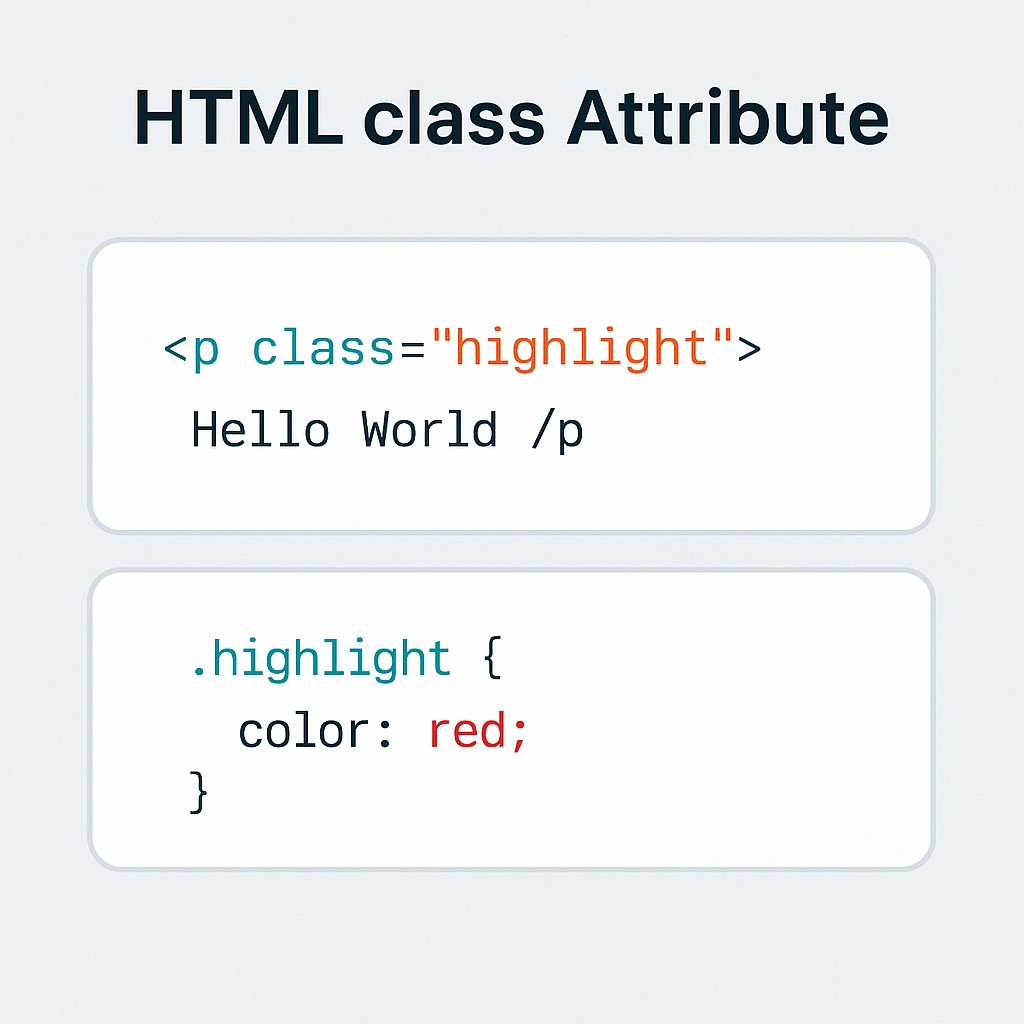
The class attribute in HTML is used to assign one or more class names to an HTML element. These class names can be used to apply CSS styles or interact with JavaScript.
Class Attribute Examples
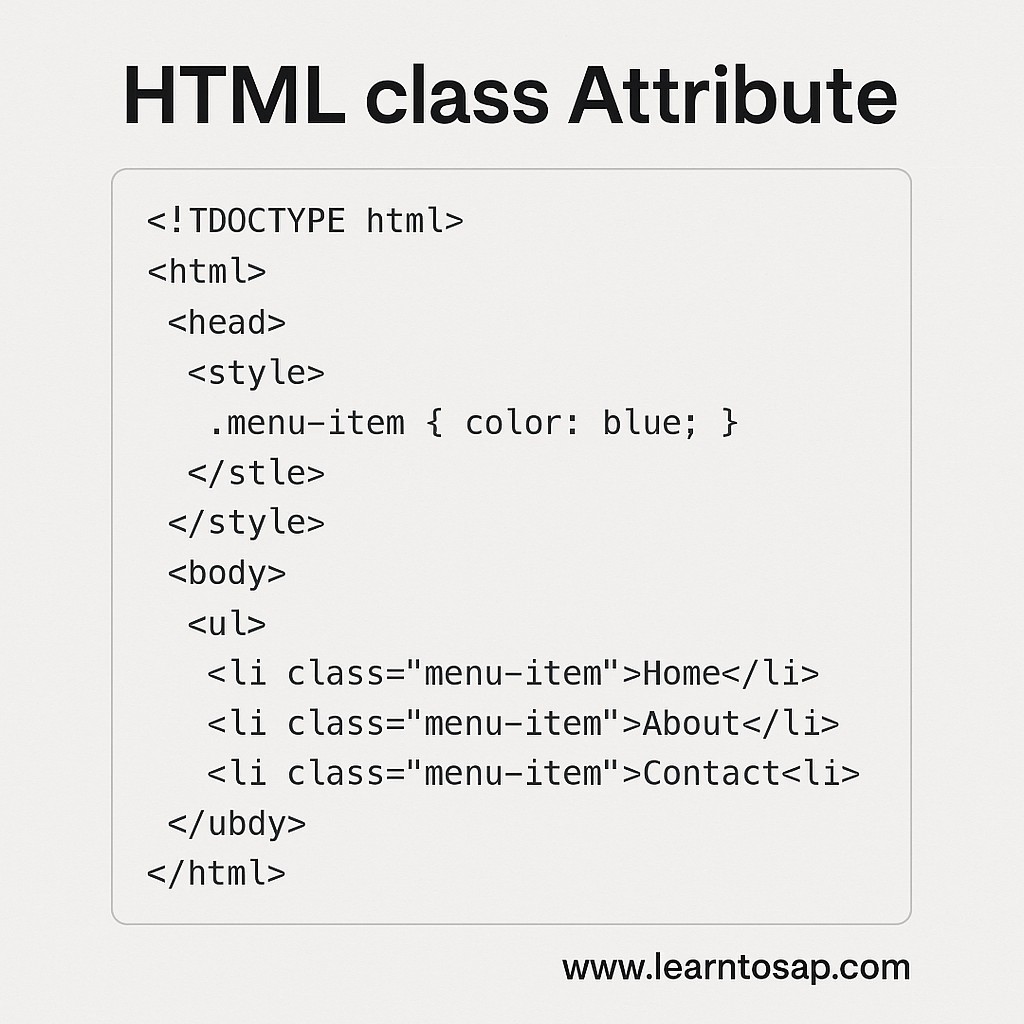
Four practical uses of the class attribute, from basic CSS styling to multiple classes, JavaScript access, and grouping elements, each with the exact code and its rendered result.
✅ Example 1: Styling with CSS
<!DOCTYPE html>
<html>
<head>
  <style>
    .highlight {
      background-color: yellow;
      font-weight: bold;
    }
  </style>
</head>
<body>
  <p class="highlight">This paragraph is highlighted using a CSS class.</p>
</body>
</html>
Rendered Result
This paragraph is highlighted using a CSS class.
✅ Example 2: Multiple Classes
<!DOCTYPE html>
<html>
<head>
  <style>
    .box { border: 1px solid black; padding: 10px; }
    .rounded { border-radius: 10px; }
  </style>
</head>
<body>
  <div class="box rounded">This box has multiple classes applied.</div>
</body>
</html>
Rendered Result
✅ Example 3: JavaScript Access
<!DOCTYPE html>
<html>
<body>
  <p class="clickable">Click me!</p>
  <script>
    document.querySelector('.clickable').addEventListener('click', function() {
      alert('Paragraph clicked!');
    });
  </script>
</body>
</html>
Rendered Result (click it!)
Click me!
✅ Example 4: Grouping Elements
<!DOCTYPE html>
<html>
<head>
  <style>
    .menu-item { color: blue; }
  </style>
</head>
<body>
  <ul>
    <li class="menu-item">Home</li>
    <li class="menu-item">About</li>
    <li class="menu-item">Contact</li>
  </ul>
</body>
</html>
Rendered Result
- Home
- About
- Contact
Try It Yourself (Copy This Code and Paste. See how it works). Paste any of the four examples above into the live playground below and add your own class names or CSS rules to see the change instantly.
Live Code Preview
class vs id: When to Use Which
Both class and id attach a name to an element for CSS or JavaScript to target, and beginners frequently mix up when to reach for which one.
| class | id |
|---|---|
| Can be applied to many elements | Should be unique, used on only one element per page |
| An element can have several classes at once | An element can have only one id |
| CSS selector: .classname | CSS selector: #idname |
| Best for reusable, repeated styling | Best for a single, uniquely identified element |
<style>
    .menu-item { color: blue; }
    #main-logo { font-size: 24px; }
</style>

<h1 id="main-logo">My Site</h1>
<li class="menu-item">Home</li>
<li class="menu-item">About</li>
The Grouping Elements example earlier on this page is a perfect illustration of when class is the right choice: three separate list items all need identical styling, which is exactly what a shared class is for. A single, uniquely identified logo heading, by contrast, is a better fit for id.
Class Naming Conventions and Best Practices
As a project grows beyond a handful of practice examples, consistent, meaningful class names make a real difference in how easy the CSS and HTML remain to read and maintain.
| Convention | Example |
|---|---|
| Lowercase, hyphen-separated | card-title, menu-item |
| BEM (Block, Element, Modifier) | card__title--large |
| Utility-style (framework pattern) | text-center, p-4 |
- Name classes by role, not appearance, preferring .warning over .red-text, so the class name still makes sense if the color later changes.
- Stay consistent with one naming convention throughout a project, rather than mixing several styles.
- Keep class names descriptive but concise, such as .menu-item from the Grouping Elements example, rather than something overly long or overly vague.
CSS Specificity and How Classes Fit In
When more than one CSS rule could apply to the same element, the browser uses a set of specificity rules to decide which one wins. Classes sit in the middle of that hierarchy.
| Selector Type | Specificity (Low to High) |
|---|---|
| Element selector (p, div) | Lowest |
| Class selector (.highlight) | Medium |
| ID selector (#main-logo) | Higher |
| Inline style attribute | Highest |
This is exactly why the Multiple Classes example combines .box and .rounded instead of writing one long combined rule, each class contributes its own piece of styling at the same specificity level, and the browser simply applies both.
Common Mistakes With the class Attribute
- Using id where a reusable class would fit better, forcing repeated, near-identical CSS rules across a page.
- Forgetting the space between multiple class names, writing class="boxrounded" instead of class="box rounded", which the browser reads as one single, unmatched class name.
- Choosing presentational class names, such as .blue-text, that no longer make sense once the actual styling changes.
- Relying on very generic class names, like .item or .box, across a large project without a naming convention, risking accidental style conflicts.
- Mixing too many unrelated styles into one class, instead of combining several small, single-purpose classes the way the Multiple Classes example does.
Practice Exercises: Try Every Class Technique
The fastest way to make the class attribute feel natural is to build a few variations yourself. Try each of these directly in the live editor above:
- Recreate Example 1, then add a second class that changes the text color, and apply both classes together.
- Build three list items with a shared class, then give just one of them an additional, unique class for special styling.
- Recreate the JavaScript Access example, then add a second clickable element using the same class and event listener.
- Create one element styled with both a class and an id, and observe which style wins when both target the same property.
- Rename a purely presentational class, like .yellow-box, to a role-based one, like .alert-box.
Working through these five exercises covers every class technique discussed in this tutorial, from basic styling to JavaScript interaction and specificity.
Frequently Asked Questions About the HTML class Attribute
What is the class attribute used for in HTML?
The class attribute is used to assign one or more class names to an HTML element. These class names can be used to apply CSS styles or interact with JavaScript.
Can an element have more than one class?
Yes. Multiple class names can be listed inside the same class attribute, separated by spaces, such as class="box rounded", and every CSS rule matching any of those class names will apply.
What is the difference between class and id?
A class can be applied to many elements and reused throughout a page, while an id is meant to uniquely identify exactly one element on a page. CSS class selectors use a dot, and id selectors use a hash symbol.
Can JavaScript use the class attribute too?
Yes. JavaScript can select elements by class using methods like querySelector or getElementsByClassName, and can add, remove, or toggle classes dynamically using the classList property.
Does the order of classes in the class attribute matter?
No. The order classes are listed in the HTML class attribute does not affect which styles apply. What matters for conflicting styles is the order the matching CSS rules appear in the stylesheet, along with their specificity.
What naming convention should I use for class names?
Common conventions include lowercase, hyphen-separated names like card-title, or BEM-style names like card__title--large. Any consistent, descriptive naming style is better than inconsistent or purely presentational names.