HTML SVG Graphics Tag Explained: Complete Guide to Creating Scalable Vector Graphics in HTML for Beginners
HTML Tutorials · HTML SVG Graphics Tag · Introduction
Complete Guide to HTML SVG Tag: How to Create, Style and Use Scalable Vector Graphics in Modern Websites
🔸All HTML SVG Graphics allow you to create scalable vector graphics directly within your HTML documents. SVG stands for Scalable Vector Graphics, and it is an XML-based format for describing vector graphics…
What Exactly Is SVG, and How Is It Different From a Normal Image?
🔸 Unlike a JPEG or PNG, which is a fixed grid of colored pixels, an SVG file is a small piece of XML markup that describes shapes mathematically — a circle at a given center point with a given radius, a rectangle with a given width and height, a line between two coordinates. Because the browser draws these shapes from their mathematical description every time, rather than stretching a stored pixel grid, an SVG graphic can be scaled up to any size, on any screen resolution, with zero blurring or pixelation. This is the single property that makes SVG the standard choice for logos, icons, and illustrations across the modern web.
Canvas vs SVG: Which Should You Use?
| Aspect | SVG | Canvas |
|---|---|---|
| Rendering | Vector-based (DOM elements) | Pixel-based (bitmap) |
| Scaling | Stays crisp at any size | Can blur when scaled up |
| Performance with many objects | Slower with very large numbers of elements | Better for thousands of moving objects (games, particle effects) |
| Interactivity | Each shape is its own DOM element with built-in events | Manual hit-testing required in JavaScript |
| Best for | Icons, logos, charts with a moderate number of shapes, print-quality graphics | Games, animations, image editing, data visualizations with many points |
🔸 As a rule of thumb: reach for SVG when you need crisp, resolution-independent shapes that remain individually stylable and clickable, and reach for canvas when you need raw pixel-drawing speed over thousands of moving elements.
✅ Why Use SVG in HTML?:-
✅ Scalable: SVG images do not lose quality when zoomed or resized
✅ Text-based: Easily editable and searchable (good for SEO)
✅ Interactive: You can add animations, events, and styles via CSS or JavaScript
✅ Lightweight: Often smaller file sizes compared to raster images for simple graphics
✅ 1. Basic Syntax:-
<svg width="200" height="200">
  <circle cx="100" cy="100" r="80" stroke="black" stroke-width="3" fill="red" />
</svg>
🔸 Every SVG document starts with a <svg> container that sets the pixel dimensions of the drawing canvas, and inside it, each shape is its own element — here a <circle> defined by a center point (cx, cy), a radius (r), a fill color, and an outline (stroke) with its own width.
🎨 2.Example with Multiple Shapes:-
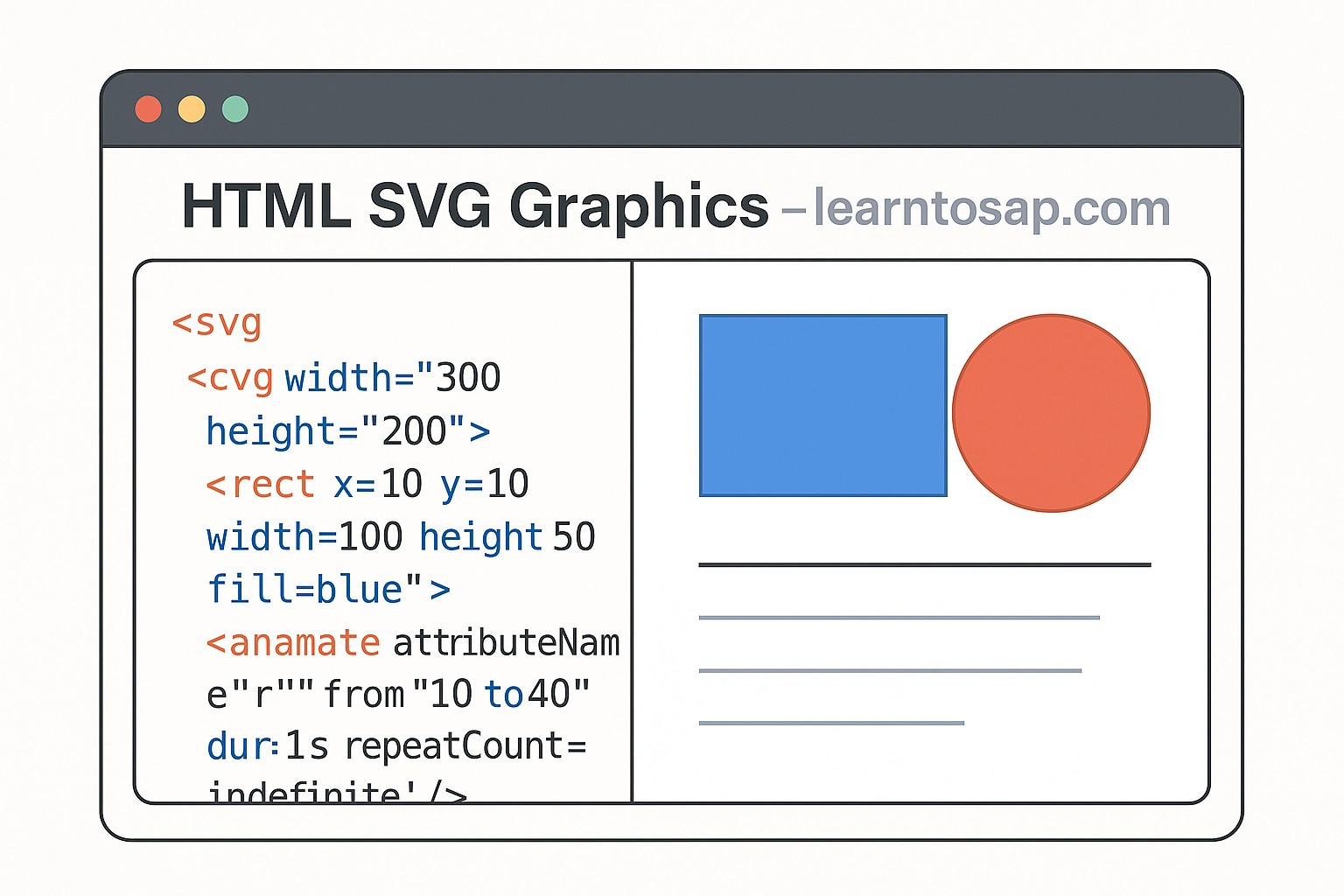
<svg width="300" height="200">
  <rect x="10" y="10" width="100" height="50" fill="blue" />
  <circle cx="200" cy="50" r="40" fill="green" />
  <line x1="10" y1="100" x2="290" y2="100" stroke="black" stroke-width="2" />
</svg>
🔸 A single <svg> element can hold as many shapes as you like, layered in the order they appear — here a <rect> positioned by its top-left corner (x, y) and its width/height, a <circle>, and a <line> drawn between two coordinate pairs.
Other Common SVG Shape Elements
Beyond the circle, rectangle, and line shown above, SVG ships with a small set of built-in shape primitives you'll use constantly.
| Element | Key Attributes | Draws |
|---|---|---|
| <rect> | x, y, width, height, rx (rounded corners) | A rectangle or rounded rectangle |
| <circle> | cx, cy, r | A perfect circle |
| <ellipse> | cx, cy, rx, ry | An oval with independent horizontal and vertical radii |
| <line> | x1, y1, x2, y2 | A straight line between two points |
| <polygon> | points (list of x,y pairs) | A closed multi-sided shape, such as a triangle or star |
| <path> | d (a compact drawing-command string) | Any custom curve or complex shape |
| <text> | x, y | Selectable, searchable text as part of the graphic |
Text and the viewBox Attribute
<svg width="220" height="80" viewBox="0 0 220 80">
  <rect x="0" y="0" width="220" height="80" fill="#eff6ff" />
  <text x="20" y="45" font-size="20" fill="#1d4ed8">Hello, SVG!</text>
</svg>
🔸 The <text> element is what makes SVG text-based, searchable, and good for SEO, exactly as noted earlier: unlike text baked into a raster image, this text can be selected, copied, and indexed by search engines. The viewBox attribute defines an internal coordinate system independent of the element's rendered width and height, which is the key to making an SVG graphic scale responsively while every shape inside it keeps its correct proportions.
✅ 3. Styling SVG with CSS:-👇
<style>
  circle {
    fill: orange;
    stroke: purple;
    stroke-width: 4;
  }
</style>

<svg width="100" height="100">
  <circle cx="50" cy="50" r="40" />
</svg>
🔸 This is what "interactive: you can add animations, events, and styles via CSS or JavaScript" means in practice — because SVG shapes are real elements in the page's DOM, an ordinary CSS selector like circle can restyle every circle on the page, just as it would restyle every paragraph or heading.
⚙️ 4. Animating SVG:-👇
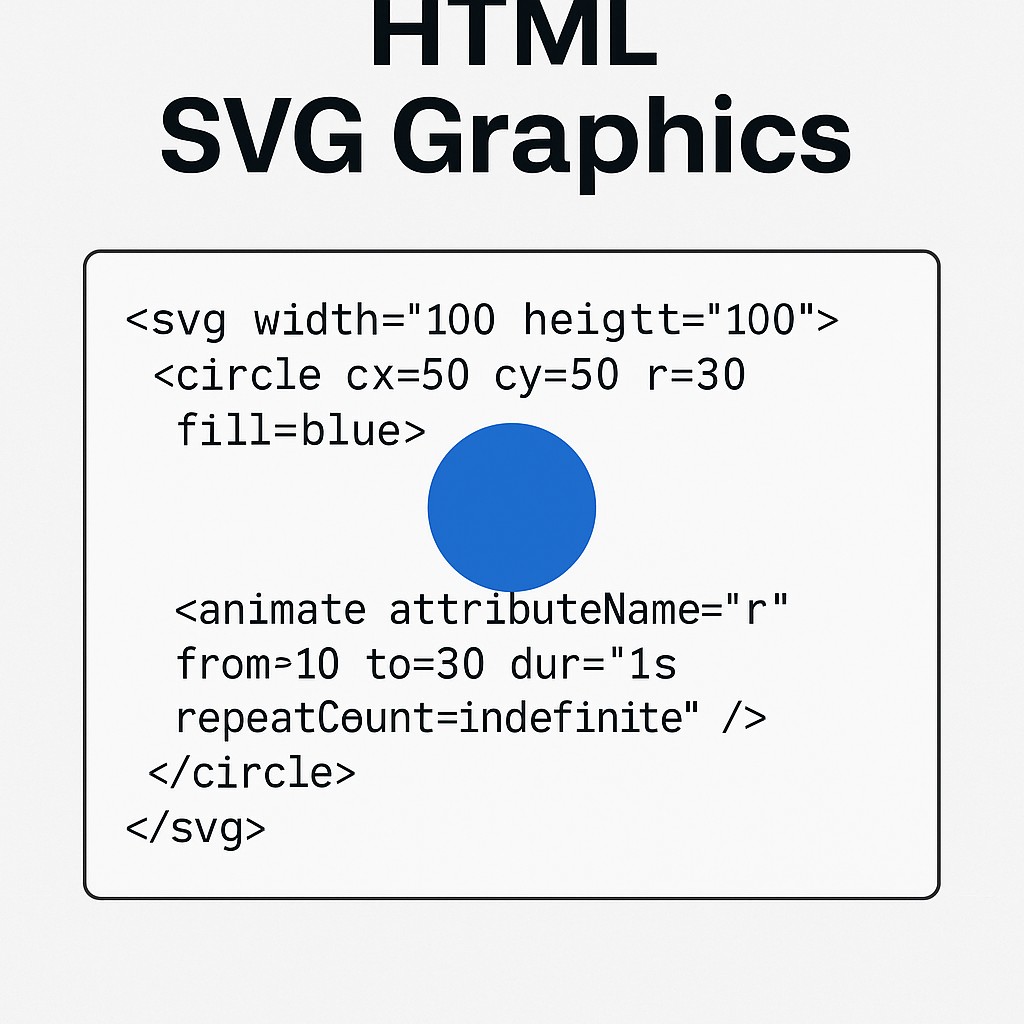
<svg width="100" height="100">
  <circle cx="50" cy="50" r="30" fill="blue">
    <animate attributeName="r" from="10" to="30" dur="1s" repeatCount="indefinite" />
  </circle>
</svg>
🔸 The nested <animate> element is SVG's own native, declarative animation system: it names the attribute to animate (r, the radius), a starting and ending value, a duration, and how many times to repeat — no JavaScript required at all. CSS transitions and keyframe animations also work directly on SVG shapes, and for anything more complex, JavaScript can manipulate SVG attributes exactly like any other DOM element.
Ways to Embed SVG in a Web Page
Every example above uses inline SVG, written directly into the HTML, but that isn't the only option.
| Method | CSS/JS Access? | Best For |
|---|---|---|
| Inline <svg> in HTML | Full access, styleable and scriptable | Icons, interactive graphics, animations tied to page state |
| <img src="icon.svg"> | No internal access | Simple static icons and logos, treated like any image |
| CSS background-image: url(icon.svg) | No internal access | Decorative background graphics |
| <object> or <iframe> | Limited, cross-document access | Reusing a complex, self-contained SVG file across many pages |
SVG, SEO, and Accessibility
🔸 Because SVG markup is real, readable text rather than opaque pixel data, search engines can parse the shapes and any embedded <text> content directly, which is part of why it's described as "good for SEO" above. For accessibility, an inline SVG used as a meaningful graphic (not purely decorative) should carry a <title> element as its first child, or a role="img" and aria-label, so screen readers can announce what the graphic represents rather than skipping it silently.
Common Mistakes with HTML SVG
- 🔸 Forgetting the viewBox on a graphic meant to be responsive: without it, the SVG can't rescale its internal coordinate system cleanly to fit a flexible container.
- 🔸 Styling shapes with only inline attributes: hardcoding fill and stroke as attributes on every shape makes global restyling with CSS much harder later.
- 🔸 Using SVG for photographic images: SVG excels at flat shapes, icons, and illustrations, not photographs, which remain far more efficient as JPEG or WebP.
- 🔸 Skipping accessibility labels: a meaningful inline SVG with no title or aria-label is invisible to screen reader users.
- 🔸 Overusing heavy animation on many shapes at once: SVG performs well with a moderate number of animated elements, but very large numbers of simultaneously animated shapes can start to lag, which is where canvas becomes the better tool.
HTML SVG Best Practices
- 🔸 Add a viewBox to any SVG that needs to scale responsively inside its container.
- 🔸 Prefer CSS classes over inline fill/stroke attributes when a shape's style might need to change later.
- 🔸 Use <path> for complex custom shapes, and the simpler primitives (circle, rect, ellipse) whenever they're sufficient.
- 🔸 Add a <title> or aria-label to any SVG that conveys real information, not just decoration.
- 🔸 Reach for the native <animate> element or CSS transitions before writing custom JavaScript animation logic.
- 🔸 For a large number of moving or interactive elements, benchmark against canvas before committing to SVG — it isn't always the faster choice for very complex scenes.
Try It Yourself (Copy This Code and Paste. See how it works). Paste any of the examples above into the live playground below.
Live Code Preview
Practice Exercises: Test HTML SVG
- Rebuild the Basic Syntax circle example, then change it to an ellipse with independent horizontal and vertical radii.
- Recreate the Multiple Shapes example and add a polygon triangle alongside the rectangle, circle, and line.
- Add a viewBox to one of your SVGs and resize its container with CSS to confirm it scales cleanly.
- Style a group of circles using a shared CSS class instead of individual fill/stroke attributes.
- Combine a shape, some text, and the native animate element into one small SVG graphic in the live playground.
Frequently Asked Questions About HTML SVG
What is SVG in HTML?
SVG stands for Scalable Vector Graphics and is used to create high-quality graphics in web pages.
Why use SVG instead of images?
SVG images do not lose quality when resized and are lightweight and scalable.
Can SVG be styled with CSS?
Yes, SVG elements can be styled using CSS and manipulated using JavaScript.
Is SVG good for responsive design?
Yes, SVG is perfect for responsive design because it scales without losing quality.
What is the difference between SVG and Canvas?
SVG draws vector shapes as individual DOM elements that stay crisp at any size and remain interactive, while Canvas draws pixels and is better suited to complex animations with large numbers of moving objects.
Can I animate SVG without JavaScript?
Yes, SVG supports the native animate element, which can animate attributes like radius, position, or color declaratively without writing any JavaScript at all.
Conclusion
🔸 The HTML <svg> element gives you a resolution-independent, text-based drawing surface built directly into every modern browser — shapes described mathematically rather than stored as pixels, styled with the same CSS you already know, and animated either declaratively with <animate> or through JavaScript for anything more advanced. Work through the circle, multi-shape, styling, and animation examples above, then try combining a shape, some text, and a viewBox into one scalable graphic of your own in the live playground.