SQL DELETE Statement – Complete Beginner's Guide with Examples (2026)
The SQL DELETE statement is used to permanently remove one or more existing rows from a database table. You specify which table to delete from and — critically — a WHERE clause to target only the rows you want removed. Without a WHERE clause, SQL DELETE removes every single row in the table, which is one of the most dangerous mistakes in database work. In this beginner-friendly guide you will learn the full DELETE syntax, see four real examples — single row, multiple rows, condition-based delete, and delete all rows — plus essential safety tips, a DELETE vs TRUNCATE vs DROP comparison, and common mistakes to avoid.

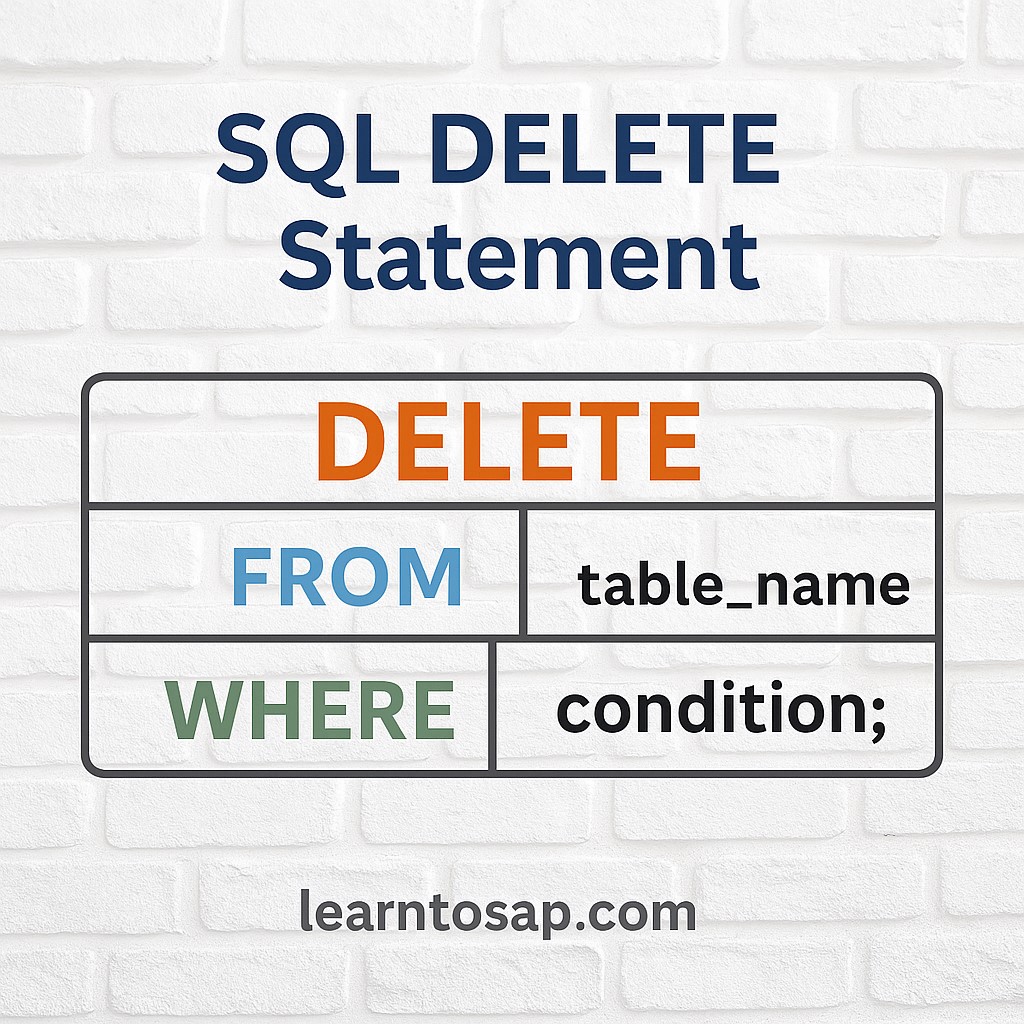
✅ What is the SQL DELETE Statement?
✅ The SQL DELETE statement permanently removes existing rows from a database table.
✅ It is one of the four core SQL DML (Data Manipulation Language) commands: SELECT, INSERT, UPDATE, DELETE.
✅ DELETE removes rows only — the table structure, columns, and indexes remain intact.
✅ Sample Employees Table (Before Delete):-
| ID | Name | Department | Salary |
|---|---|---|---|
| 1 | ANNI | IT | 10000 |
| 2 | POOJA | IT | 9000 |
| 3 | RAJ | HR | 5000 |
| 4 | SUJAN | HR | 8000 |
| 5 | MEENA | Sales | 12000 |
✅ SQL DELETE Syntax
DELETE FROM table_name
WHERE condition;
✅ DELETE FROM:- Keyword — specifies the table you want to remove rows from.
✅ WHERE:- Filters which rows to delete — ALWAYS include this to avoid deleting everything!
✅ Example 1 – Delete a Single Row
Delete the employee with ID = 3 (RAJ) from the Employees table.
✅ DELETE Query:-
DELETE FROM Employees
WHERE ID = 3;
✅ Result — After Delete:-
| ID | Name | Department | Salary |
|---|---|---|---|
| 1 | ANNI | IT | 10000 |
| 2 | POOJA | IT | 9000 |
| 4 | SUJAN | HR | 8000 |
| 5 | MEENA | Sales | 12000 |
WHERE ID = 3 (primary key) is the safest way to delete exactly one row — primary keys are unique so you cannot accidentally delete multiple rows.
✅ Example 2 – Delete Multiple Rows
Delete all employees in the HR department.
✅ DELETE Query:-
DELETE FROM Employees
WHERE Department = 'HR';
✅ Result — After Delete:-
| ID | Name | Department | Salary |
|---|---|---|---|
| 1 | ANNI | IT | 10000 |
| 2 | POOJA | IT | 9000 |
| 5 | MEENA | Sales | 12000 |
Department = 'HR'. IT and Sales employees are unaffected. When WHERE matches multiple rows, all are deleted in one statement.
✅ Example 3 – Delete Based on a Condition
Delete all employees earning less than 6000 (low-salary cleanup).
✅ DELETE Query:-
DELETE FROM Employees
WHERE Salary < 6000;
✅ Result — After Delete:-
| ID | Name | Department | Salary |
|---|---|---|---|
| 1 | ANNI | IT | 10000 |
| 2 | POOJA | IT | 9000 |
| 4 | SUJAN | HR | 8000 |
| 5 | MEENA | Sales | 12000 |
<, >, =, <>, BETWEEN, IN, LIKE — in the WHERE condition.
✅ Example 4 – Delete All Rows (No WHERE)
Delete every row from the Employees table without dropping the table itself.
✅ DELETE Query:-
DELETE FROM Employees;✅ Result — After Delete:-
| ID | Name | Department | Salary |
|---|---|---|---|
| No rows — table is now empty | |||
DELETE FROM Employees; without WHERE removes ALL rows permanently. The table structure (columns, indexes, constraints) remains, but all data is gone. Consider using TRUNCATE instead for a full table clear — it is faster. Always back up your data first.
✅ Safe DELETE Best Practices
✅ Step 1 — Always SELECT first. Before running DELETE, run a SELECT with the same WHERE condition to preview exactly which rows will be removed:
-- Run this FIRST to preview rows that will be deleted:
SELECT * FROM Employees WHERE ID = 3;

-- Then run the DELETE:
DELETE FROM Employees WHERE ID = 3;
✅ Step 2 — Use transactions in production. Wrap your DELETE in a transaction so you can roll back if something goes wrong:
BEGIN TRANSACTION;
DELETE FROM Employees WHERE Department = 'HR';
-- Check the result:
SELECT * FROM Employees;
-- If correct — make permanent:
COMMIT;
-- If wrong — undo:
-- ROLLBACK;✅ DELETE vs TRUNCATE vs DROP
These three commands all remove data, but they work very differently. Choosing the wrong one can cause serious data loss.
| Feature | DELETE | TRUNCATE | DROP |
|---|---|---|---|
| What it removes | Specific rows (with WHERE) | All rows | Entire table |
| Table structure kept? | ✅ Yes | ✅ Yes | ❌ No |
| WHERE clause | ✅ Supported | ❌ Not supported | ❌ Not applicable |
| Can be rolled back? | ✅ Yes (with transaction) | ⚠️ Usually no | ❌ No |
| Speed on large tables | Slower (row by row) | Much faster | Fastest |
| Use case | Remove specific records | Clear all data quickly | Remove entire table |
✅ Key Points to Remember
✅ Always use WHERE — without it, every row in the table is permanently deleted.
✅ DELETE removes rows only — the table structure stays intact (use DROP to remove the table).
✅ Deletion is permanent — without a transaction, deleted rows cannot be recovered.
✅ SELECT first — always preview affected rows with SELECT before running DELETE.
✅ Use transactions — BEGIN/COMMIT/ROLLBACK protect you in production.
✅ Primary key is safest — WHERE ID = 3 targets exactly one row with no risk of deleting more.
✅ TRUNCATE for full clear — faster than DELETE when you need to empty an entire table.
✅ Common SQL DELETE Mistakes to Avoid
Wrong:
DELETE FROM Employees; — this deletes ALL rows permanently.Correct:
DELETE FROM Employees WHERE ID = 3; — targets only the intended row.
Wrong:
DELETE FROM Employees WHERE Salary > 0; — almost all employees would be deleted.Always run SELECT with the same WHERE first to count and preview affected rows.
DELETE removes rows from a table — the table itself remains. DROP removes the entire table permanently including its structure. Never use DROP when you only want to delete some data.
Without BEGIN/ROLLBACK, a wrong DELETE cannot be undone. Always wrap production DELETEs in a transaction so you have a safety net to roll back if the wrong rows are removed.
✅ Frequently Asked Questions (FAQ)
DELETE FROM Employees WHERE Department = 'HR'; deletes all HR employees at once.BEGIN TRANSACTION and use ROLLBACK to undo it. Once you run COMMIT or execute DELETE without a transaction, the deletion is permanent and cannot be undone without a database backup.