SQL SELECT DISTINCT Statement – Remove Duplicate Rows with Examples (2026-27)
SQL SELECT DISTINCT statement is used to return only unique (different) values from a specified column or set of columns in a table. When you query a table, the result might include duplicate rows — DISTINCT filters them out so each row returned is unique. In this beginner-friendly guide, you will learn the SQL DISTINCT syntax with real examples — including how to use COUNT DISTINCT, DISTINCT with multiple columns, and how it compares to GROUP BY.
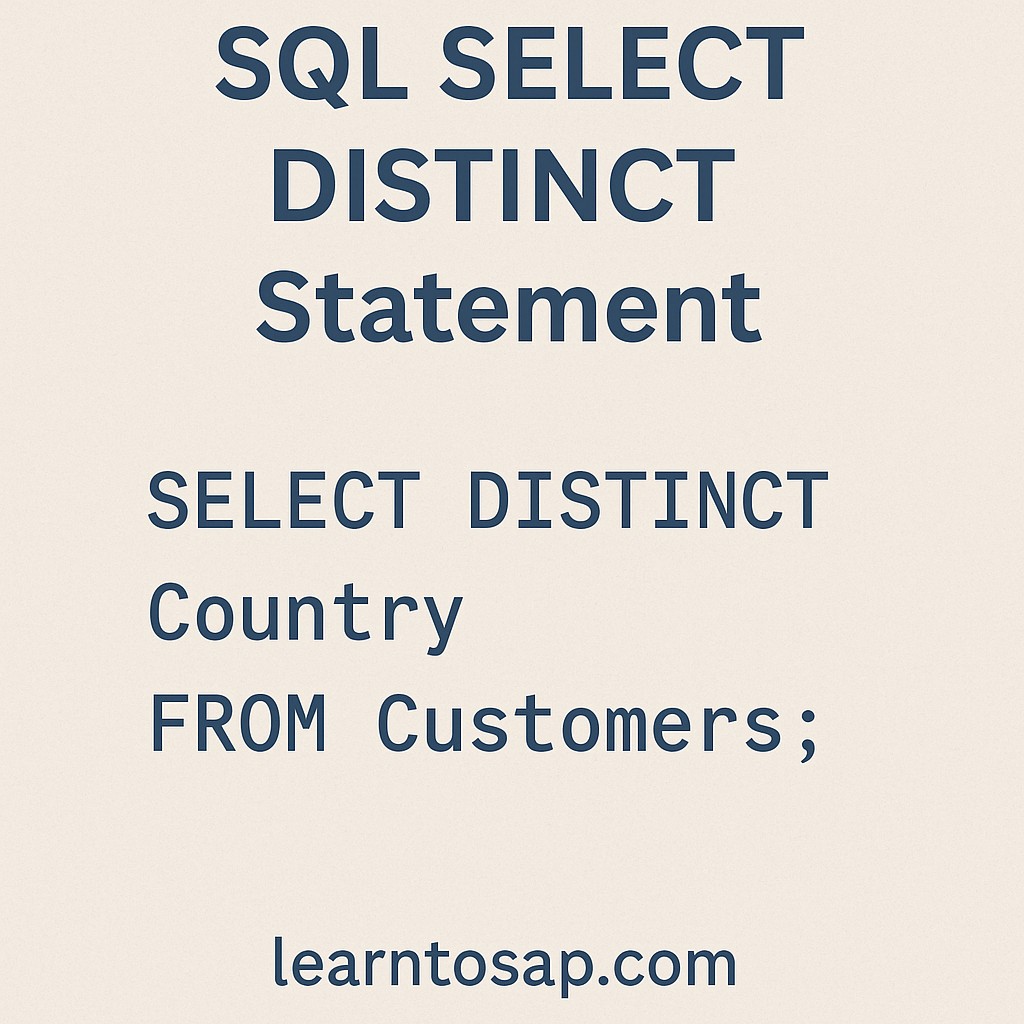
✅ Why Use DISTINCT?
✅ When you query a table, the result might include duplicate rows.
✅ Using DISTINCT filters out duplicate rows so each row returned is unique.
SELECT Department FROM Employees returns 50 rows. SELECT DISTINCT Department FROM Employees returns just 4 unique department names.
✅ Basic Syntax
SELECT DISTINCT column1, column2, ...
FROM table_name;
✅ SELECT:- Keyword to specify the columns you want unique values from.
✅ DISTINCT:- Filters out duplicate rows from the result set.
✅ FROM:- Specifies the table to retrieve data from.
✅ Sample Employees Table:-
| EmployeeID | Name | Department |
|---|---|---|
| 1 | Pramod | IT |
| 2 | Pooja | HR |
| 3 | Rajesh | IT |
| 4 | Rupesh | Sales |
| 5 | Anita | HR |
| 6 | Suresh | Production |
✅ Example – SELECT DISTINCT Department
✅ SELECT Query:-
SELECT DISTINCT Department
FROM Employees;
✅ Result:-
| Department |
|---|
| IT |
| HR |
| Sales |
| Production |
Even though IT and HR appeared multiple times in the table, DISTINCT returns each department only once.
✅ Example – SELECT DISTINCT Employee Names
✅ SELECT Query:-
SELECT DISTINCT Name FROM Employees;✅ Result:-
| Name |
|---|
| Pramod |
| Pooja |
| Rajesh |
| Rupesh |
| Anita |
| Suresh |
✅ Example – DISTINCT with Multiple Columns
When DISTINCT is used with multiple columns, it returns unique combinations of all those columns together.
✅ SELECT Query:-
SELECT DISTINCT Name, Department FROM Employees;✅ Result:-
| Name | Department |
|---|---|
| Pramod | IT |
| Pooja | HR |
| Rajesh | IT |
| Rupesh | Sales |
| Anita | HR |
| Suresh | Production |
✅ Example – COUNT DISTINCT
You can combine COUNT() with DISTINCT to count the number of unique values in a column.
✅ SELECT Query:-
SELECT COUNT(DISTINCT Department) AS UniqueDepartments
FROM Employees;
✅ Result:-
| UniqueDepartments |
|---|
| 4 |
COUNT(DISTINCT column) is very useful in reporting queries — for example, finding how many unique customers placed orders, or how many unique products were sold.
✅ DISTINCT vs GROUP BY
Both can return unique values, but they serve different purposes:
| Feature | SELECT DISTINCT | GROUP BY |
|---|---|---|
| Purpose | Remove duplicate rows | Group rows for aggregation |
| Works with aggregates? | No (use COUNT DISTINCT instead) | Yes (COUNT, SUM, AVG, etc.) |
| Performance | Faster for simple deduplication | Better for aggregated reports |
| Use case | List unique departments | Count employees per department |
✅ Key Points
✅ DISTINCT applies to all columns listed after SELECT.
✅ It returns unique combinations of values across those columns.
✅ NULL values are treated as equal — multiple NULLs are reduced to one in the result.
✅ DISTINCT can slow down queries on large tables — ensure your columns are indexed.
✅ Common SQL SELECT DISTINCT Mistakes to Avoid
SELECT DISTINCT Name, Department FROM Employees; returns unique Name+Department combinations, not just unique Names. If you want only unique Names, list only that column.
Most databases do not allow ordering by a column that is not in the SELECT list when using DISTINCT. Always include ordered columns in your SELECT.
If your data has too many duplicates, DISTINCT is a band-aid. The real fix is cleaning the data or fixing the logic that creates duplicates in the first place.
SELECT DISTINCT on large tables without an index forces a full table scan. Always check query execution plans and add indexes on DISTINCT columns where needed.
✅ Frequently Asked Questions (FAQ)
SELECT DISTINCT Department returns IT only once.SELECT DISTINCT Name, Department returns each unique Name + Department pair — not just unique Names.SELECT COUNT(DISTINCT Department) FROM Employees; — this returns the number of unique departments, not the total number of rows.