SQL ORDER BY Keyword – Sort Data in Ascending & Descending Order with Examples (2026-27)
The SQL ORDER BY keyword is used to sort the result set of a query by one or more columns — either in ascending (ASC) or descending (DESC) order. Without ORDER BY, SQL returns rows in no guaranteed sequence. Once you add ORDER BY, your results appear in a predictable, sorted order every time. In this step-by-step guide you will learn the ORDER BY syntax, see real working examples — sort by salary, by name, by multiple columns — and understand how to combine ORDER BY with WHERE and other clauses for powerful real-world queries.
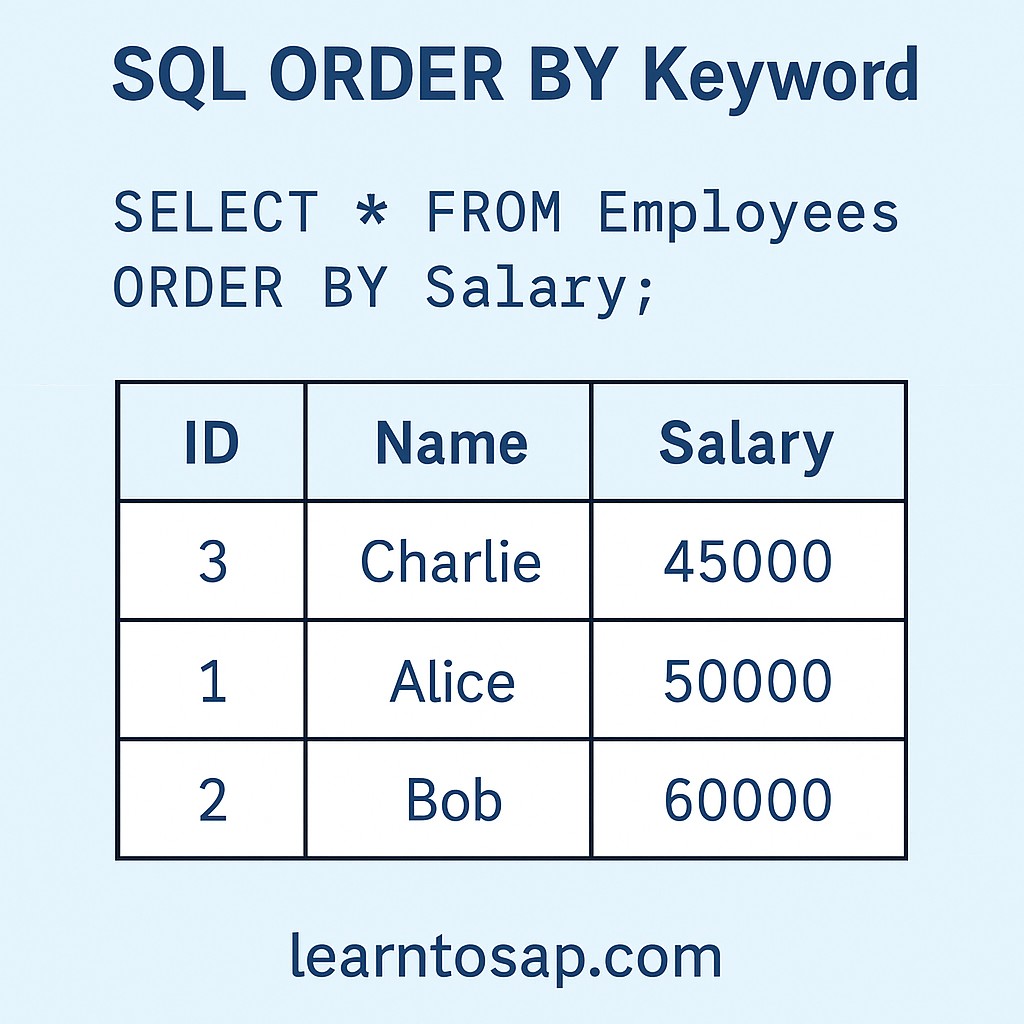
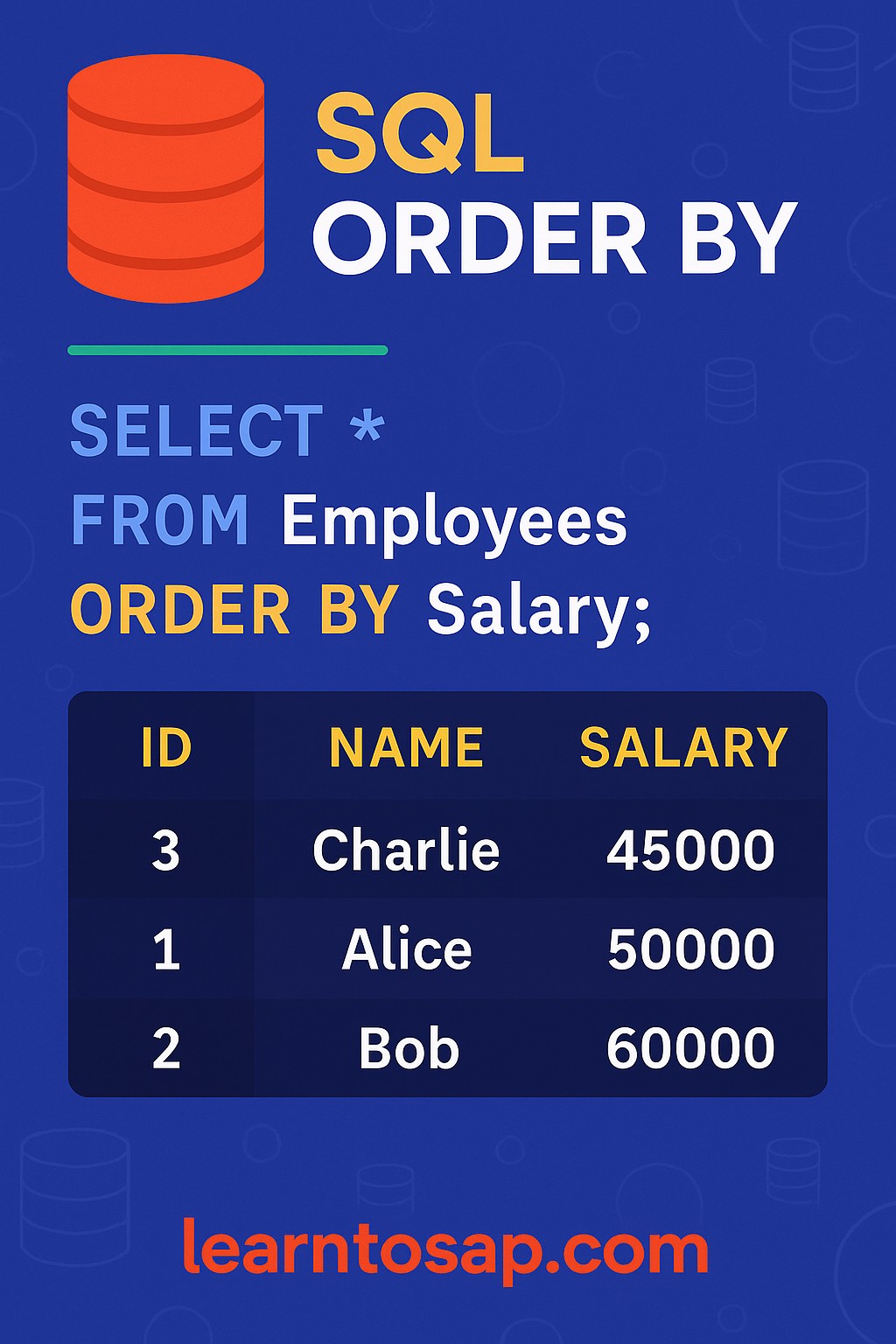
✅ What is SQL ORDER BY?
✅ The SQL ORDER BY keyword sorts the result set returned by a SELECT query.
✅ By default (without ASC or DESC), SQL sorts in ascending order.
✅ You can sort by one or more columns, and each column can have its own sort direction.
ORDER BY Salary DESC, the highest-paid employee always appears first — exactly what you want for a payroll report.
✅ SQL ORDER BY Syntax
SELECT column1, column2, ...
FROM table_name
ORDER BY column1 [ASC | DESC], column2 [ASC | DESC], ...;
✅ SELECT:- Columns you want to retrieve.
✅ FROM:- The table to query data from.
✅ ORDER BY:- The column(s) to sort the result by.
✅ ASC:- Ascending order — lowest to highest, A to Z. This is the default.
✅ DESC:- Descending order — highest to lowest, Z to A.
✅ Sample Employees Table:-
| ID | Name | Department | Salary |
|---|---|---|---|
| 1 | ANNI | IT | 10000 |
| 2 | SUJAN | HR | 8000 |
| 3 | BOULT | IT | 5000 |
| 4 | MEENA | Sales | 12000 |
| 5 | RAHUL | HR | 9000 |
✅ Example – Sort by Salary (Ascending)
✅ SELECT Query:-
SELECT * FROM Employees
ORDER BY Salary ASC;
✅ Result:-
| ID | Name | Department | Salary |
|---|---|---|---|
| 3 | BOULT | IT | 5000 |
| 2 | SUJAN | HR | 8000 |
| 5 | RAHUL | HR | 9000 |
| 1 | ANNI | IT | 10000 |
| 4 | MEENA | Sales | 12000 |
ORDER BY Salary without ASC gives the same result — ASC is the default when no direction is specified.
✅ Example – Sort by Name (Descending)
✅ SELECT Query:-
SELECT * FROM Employees
ORDER BY Name DESC;
✅ Result:-
| ID | Name | Department | Salary |
|---|---|---|---|
| 2 | SUJAN | HR | 8000 |
| 5 | RAHUL | HR | 9000 |
| 4 | MEENA | Sales | 12000 |
| 3 | BOULT | IT | 5000 |
| 1 | ANNI | IT | 10000 |
✅ Example – ORDER BY Multiple Columns
You can sort by more than one column. SQL sorts by the first column first. If two rows have the same value in the first column, it uses the second column to break the tie.
✅ SELECT Query:-
SELECT * FROM Employees
ORDER BY Department ASC, Salary DESC;
✅ Result:-
| ID | Name | Department | Salary |
|---|---|---|---|
| 5 | RAHUL | HR | 9000 |
| 2 | SUJAN | HR | 8000 |
| 1 | ANNI | IT | 10000 |
| 3 | BOULT | IT | 5000 |
| 4 | MEENA | Sales | 12000 |
Salary DESC. Same logic applies within IT.
✅ Example – ORDER BY with WHERE
You can combine ORDER BY with WHERE to filter rows first, then sort the filtered result. Always place WHERE before ORDER BY.
✅ SELECT Query:-
SELECT * FROM Employees
WHERE Department = 'IT'
ORDER BY Salary DESC;
✅ Result:-
| ID | Name | Department | Salary |
|---|---|---|---|
| 1 | ANNI | IT | 10000 |
| 3 | BOULT | IT | 5000 |
SELECT → FROM → WHERE → ORDER BY. Writing ORDER BY before WHERE causes a syntax error.
✅ Key Points to Remember
✅ ASC is the default — if you omit ASC/DESC, SQL sorts ascending automatically.
✅ ORDER BY goes at the end of the query, after WHERE, GROUP BY, and HAVING.
✅ Multiple columns — each column can have its own ASC or DESC direction.
✅ Text columns — ASC sorts A→Z, DESC sorts Z→A.
✅ Number columns — ASC sorts 1→100, DESC sorts 100→1.
✅ NULL values — in most databases, NULLs appear first in ASC order and last in DESC order.
✅ Common SQL ORDER BY Mistakes to Avoid
Wrong:
SELECT * FROM Employees ORDER BY Salary WHERE Department = 'IT';Correct:
SELECT * FROM Employees WHERE Department = 'IT' ORDER BY Salary;
When using
SELECT DISTINCT, you cannot ORDER BY a column that is not in your SELECT list. Always include the sort column in your SELECT when using DISTINCT.
Writing
ORDER BY Salary ASC and ORDER BY Salary produce identical results. Knowing this keeps your SQL cleaner and easier to read.
In most databases, ORDER BY inside a subquery is ignored unless paired with LIMIT/TOP. Do not rely on subquery ordering — apply ORDER BY to the outer query only.
✅ Frequently Asked Questions (FAQ)
ORDER BY Department ASC, Salary DESC. SQL sorts by the first column first, then by the second column within each group of equal values in the first column.SELECT * FROM Employees WHERE Department = 'IT' ORDER BY Salary DESC; — this filters rows first, then sorts the filtered result.