SQL AND Operator – Filter Multiple Conditions with Examples (2026)
The SQL AND operator is used to combine two or more conditions in a WHERE clause. A row is included in the result only when ALL conditions joined by AND are true at the same time. This makes AND one of the most powerful filtering tools in SQL — letting you narrow results precisely by department, salary, city, date, or any combination of columns. In this beginner-friendly guide you will learn the AND syntax, see four real examples — including AND with OR and AND with three conditions — and understand the most common mistakes to avoid.
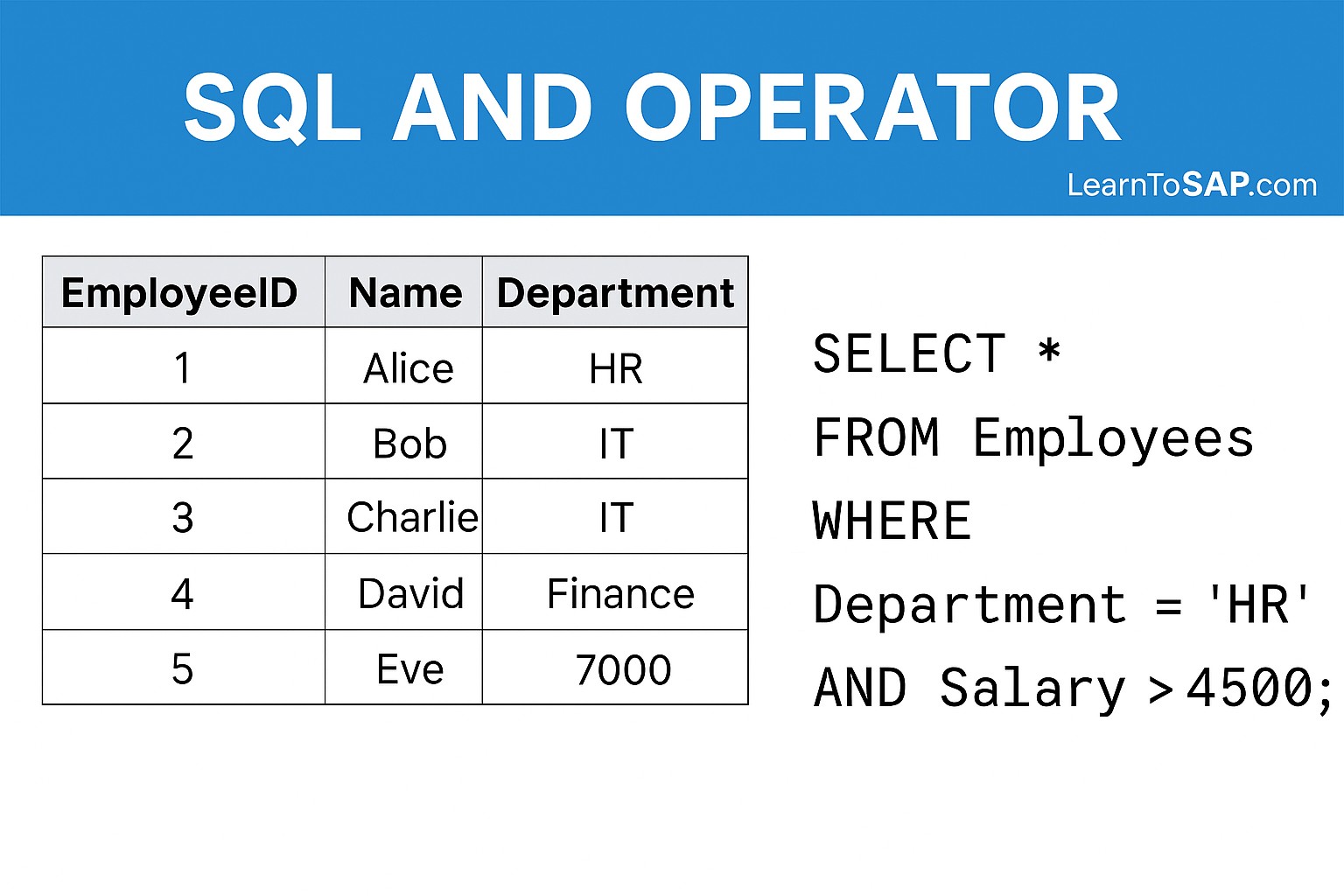
✅ What is the SQL AND Operator?
✅ The SQL AND operator is a logical operator used inside a WHERE clause to filter rows.
✅ It combines two or more conditions — a row appears in results only if every condition is true.
✅ If even one condition is false, the entire row is excluded from the result.
✅ Sample Employees Table:-
| ID | Name | Department | Salary | City |
|---|---|---|---|---|
| 1 | ANNI | IT | 10000 | Mumbai |
| 2 | POOJA | IT | 90000 | Pune |
| 3 | RAJ | HR | 5000 | Pune |
| 4 | SUJAN | HR | 8000 | Delhi |
| 5 | MEENA | Sales | 12000 | Mumbai |
✅ SQL AND Syntax
SELECT column1, column2, ...
FROM table_name
WHERE condition1 AND condition2 AND condition3 ...;
✅ SELECT:- Columns you want to retrieve.
✅ FROM:- The table to query data from.
✅ WHERE:- Starts the filtering section.
✅ AND:- Joins conditions — all must be true for a row to be returned.
✅ Example – IT Department AND Salary > 10000
✅ SELECT Query:-
SELECT * FROM Employees
WHERE Department = 'IT' AND Salary > 10000;
✅ Result:-
| ID | Name | Department | Salary | City |
|---|---|---|---|---|
| 2 | POOJA | IT | 90000 | Pune |
> 10000 (greater than, not equal). POOJA earns 90000 so she passes both conditions.
✅ Example – HR Department AND City is Pune
✅ SELECT Query:-
SELECT * FROM Employees
WHERE Department = 'HR' AND City = 'Pune';
✅ Result:-
| ID | Name | Department | Salary | City |
|---|---|---|---|---|
| 3 | RAJ | HR | 5000 | Pune |
SUJAN is in HR but lives in Delhi — so only RAJ matches both conditions.
✅ Example – Three AND Conditions
You can chain as many AND conditions as you need. Every condition must be true simultaneously.
✅ SELECT Query:-
SELECT * FROM Employees
WHERE Department = 'IT'
  AND City = 'Pune'
  AND Salary < 10000;
✅ Result:-
| ID | Name | Department | Salary | City |
|---|---|---|---|---|
| No rows returned — no employee matches all three conditions | ||||
✅ Example – AND Combined with OR
You can mix AND and OR in one query. Use parentheses to group OR conditions — this prevents unexpected results.
✅ SELECT Query:-
SELECT * FROM Employees
WHERE Department = 'IT'
  AND (Salary > 9000 OR Name = 'POOJA');
✅ Result:-
| ID | Name | Department | Salary | City |
|---|---|---|---|---|
| 2 | POOJA | IT | 90000 | Pune |
✅ AND vs OR – Key Differences
| Feature | SQL AND | SQL OR |
|---|---|---|
| Condition requirement | ALL conditions must be true | AT LEAST ONE condition must be true |
| Rows returned | Fewer rows (more restrictive) | More rows (more permissive) |
| Use case | Find IT employees in Pune | Find IT or HR employees |
| One false condition | Row excluded | Row still included if another is true |
✅ Key Points to Remember
✅ ALL conditions must be true — AND is strict. One false condition removes the row.
✅ Chain as many as needed — WHERE A AND B AND C AND D is valid SQL.
✅ Text values need single quotes — WHERE Department = 'IT' not = IT.
✅ Use parentheses when mixing AND + OR — prevents logic errors.
✅ AND evaluates before OR — without parentheses A AND B OR C means (A AND B) OR C.
✅ AND works with all data types — text, numbers, dates, boolean.
✅ Common SQL AND Mistakes to Avoid
Wrong:
WHERE Department = IT AND City = PuneCorrect:
WHERE Department = 'IT' AND City = 'Pune'Text values must always be wrapped in single quotes.
Wrong:
WHERE Department = 'IT' AND Salary > 5000 OR City = 'Pune'Correct:
WHERE Department = 'IT' AND (Salary > 5000 OR City = 'Pune')Without parentheses AND is evaluated first, which changes the meaning entirely.
Wrong:
WHERE Department = 'IT' AND 'HR'Correct:
WHERE Department = 'IT' OR Department = 'HR'Each condition needs the full column name, operator, and value.
If you write
WHERE Department = 'IT' AND Department = 'HR', no row can be in both departments simultaneously — result will always be empty. Use OR when you want either department.
✅ Frequently Asked Questions (FAQ)
WHERE Department = 'IT' AND City = 'Pune' AND Salary < 10000. All conditions must be true simultaneously for a row to appear.WHERE Department = 'IT' AND (Salary > 9000 OR City = 'Pune'). Without parentheses, AND is evaluated before OR, which can give unexpected results.WHERE Department = 'IT'.