Python PIP for SAP Professionals: A Beginner-Friendly Guide
Python Tutorial-
Python PIP: The Ultimate 2026 Guide for Package Management in Python
Introduction
✅ Python PIP in SAP Projects: Install & Manage Packages the Right Way
✅In This World-wide Python PIP stands for “Pip Installs Packages” — a powerful command-line tool that allows developers to install, upgrade, and manage its third-party Python libraries efficiently. It’s the foundation of modern Python development, enabling seamless access to thousands of open-source packages hosted on the Python Package Index (PyPI).
✅ What Is Python PIP?
✅ PIP clarify dependency management by allow you install collection like numpy, requests, or pandas in a single command.by choice of manually downloading and configuring packages, PIP automates the process, ensuring compatibility and version control..
✅ Install the popular data analysis library Pandas, you can simply run: Example:
pip install pandas
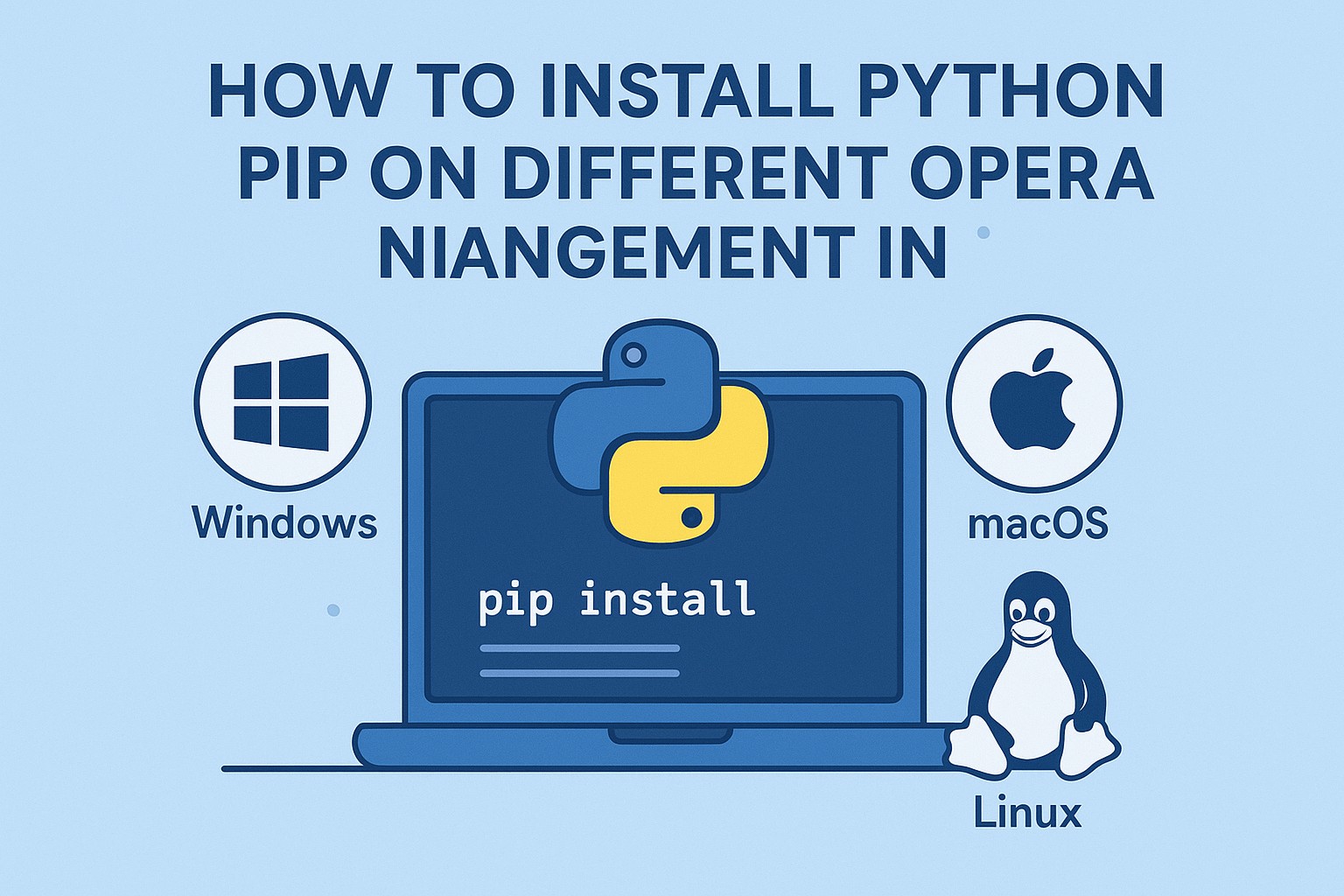
✅ How to Install Python PIP on Different Operating Systems
✔️ You are a beginner or a professional developer, installing PIP is the first step to efficient Python package management.
✅Installing Python PIP on Windows
✔️ Download and install Python from python.org
✔️ Next During installation, make sure to check “Add Python to PATH”.
✔️ Next pen Command Prompt and verify:.
python -m ensurepip --upgrade
✔️ Next Check if PIP is installed.
pip --version
✅Installing Python PIP on macOS
✔️ Install Homebrew (if not installed).
✔️ Next Use the following command.
brew install python
✔️ Verify installation with.
pip3 --version
✅ Installing Python PIP on Linux Distributions
✔️ Most Linux systems come with Python pre-installed. If not, run:.
sudo apt update
sudo apt install python3-pip
✔️ Check- pip3 --version
✅ Basic Python PIP Commands You Must Know
✔️ This PIP commands make your life easier when managing packages. Here are the use in programing.
✔️ Checking PIP Version
pip --version
✔️ Installing and Uninstalling Packages
pip install flask
✔️ List all installed packages:
pip list
✔️ Upgrade an existing package:
pip install --upgrade flask
✔️ Install all dependencies at once:
pip install -r requirements.txt
💡 Note: Python While Loops You can nest while loops to handle multi-level logic..
✅ Example 1:-Your First Python Program
print("www.learntosap.com!")
✅ Welcome Python tutorial
Welcome to our Python tutorial! Here, you’ll learn Python basics and try out code live without leaving the page.
✅ Why Python?
Easy to read and write
Cross-platform
Used in web development, data science, AI, and automation
Your First Program
print("Hello, Python!")
Live Python Code Preview
Loading Python... please wait
Practice - Yes/No Quiz
1.You cannot upgrade a package using PIP.
2.PIP stands for “Pip Installs Packages.”?
3.Python PIP is used only for uninstalling packages?.