SQL MIN and MAX Functions – Complete Guide with Examples (2026-27)
The SQL MIN() and MAX() functions are aggregate functions that return the smallest and largest values in a selected column. They work on numeric columns (salary, price, age), date columns (earliest or latest date), and text columns (first or last alphabetically). In this beginner-friendly guide you will learn the MIN and MAX syntax, see seven real examples with results — including MIN/MAX with WHERE, GROUP BY, HAVING, aliases, subqueries, and both functions together — plus key points and common mistakes to avoid.
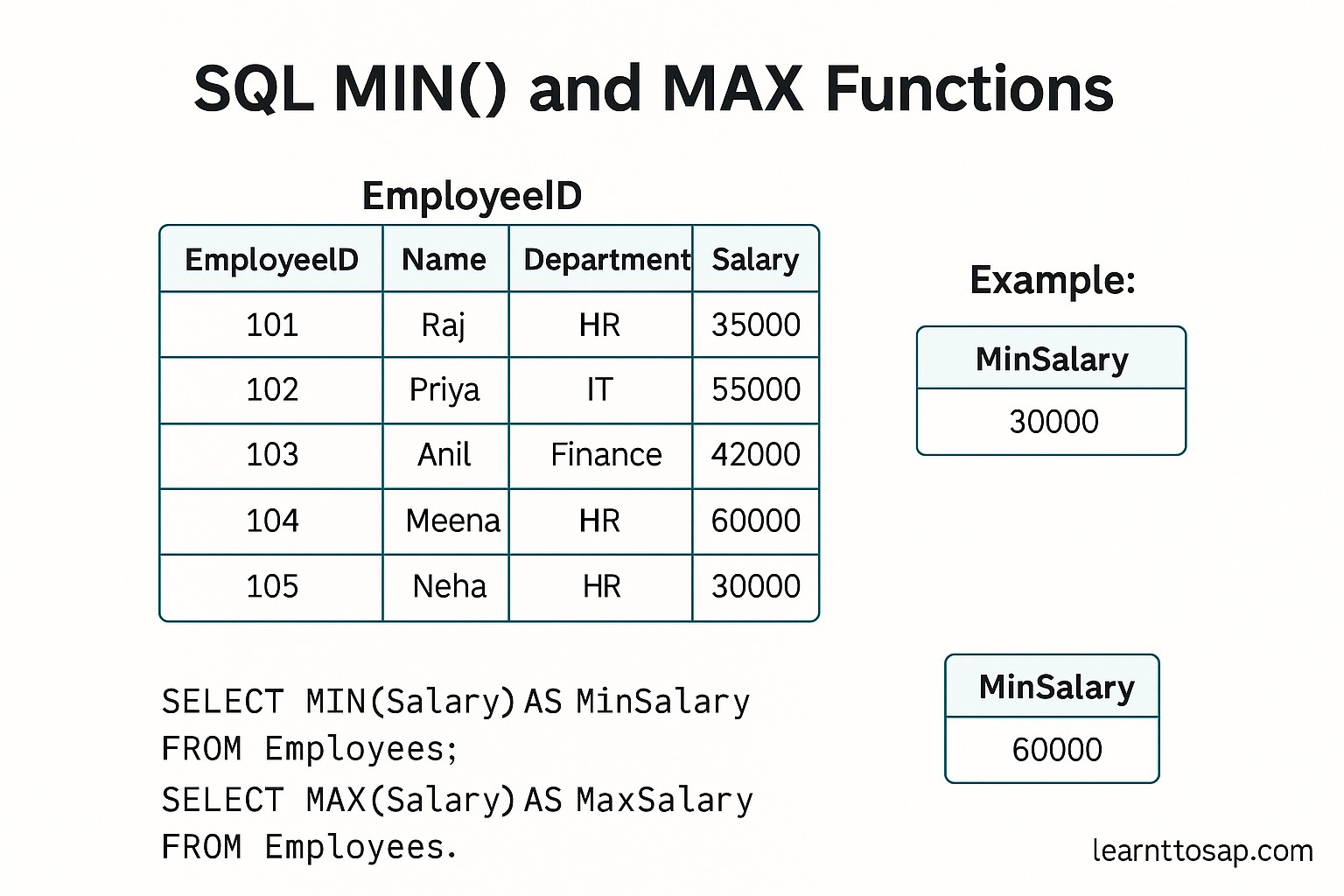
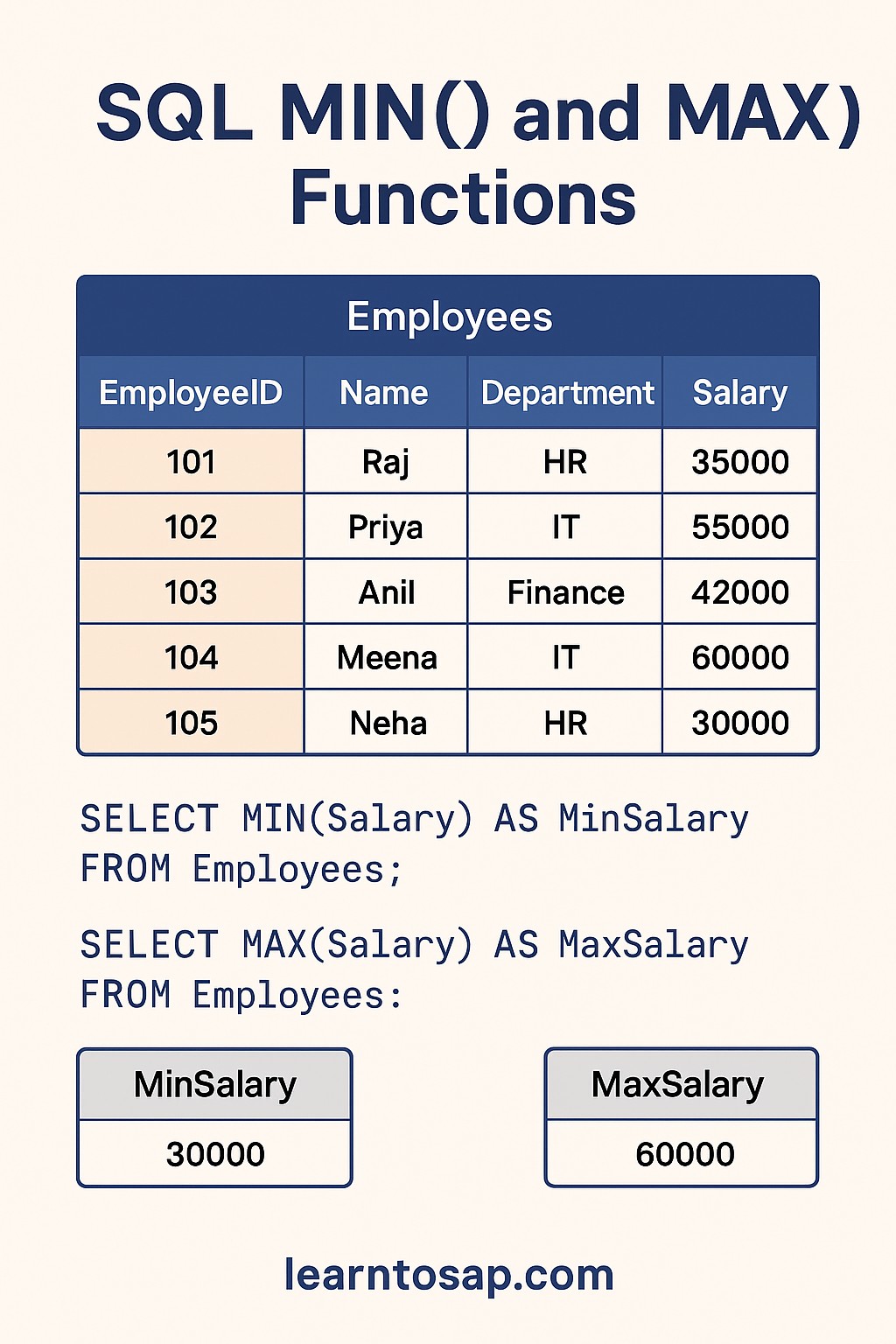
✅ What are SQL MIN and MAX Functions?
MIN() and MAX() are SQL aggregate functions — they perform a calculation on a set of values and return a single result.
✅ MIN(column) — returns the smallest / lowest value in the column.
✅ MAX(column) — returns the largest / highest value in the column.
✅ Both functions ignore NULL values automatically — only non-NULL rows are considered.
✅ Both work on numeric, date, and text columns.
MIN → Find the cheapest product price, earliest hire date, lowest exam score.
MAX → Find the highest salary, most recent order date, largest inventory count.
✅ Sample Employees Table (used in all examples below):-
| ID | Name | Department | Salary | City | HireDate |
|---|---|---|---|---|---|
| 1 | ANNI | IT | 10000 | Mumbai | 2022-03-15 |
| 2 | POOJA | IT | 9000 | Pune | 2023-07-01 |
| 3 | RAJ | SALES | 5000 | Delhi | 2021-11-20 |
| 4 | SUJAN | HR | 8000 | Pune | 2024-01-10 |
| 5 | MEENA | SALES | 12000 | Mumbai | 2022-09-05 |
| 6 | PRAMOD | IT | 15000 | Bangalore | 2020-06-01 |
| 7 | NILESH | HR | 7000 | Mumbai | 2023-04-18 |
✅ SQL MIN and MAX Syntax
MIN() Syntax
SELECT MIN(column_name)
FROM table_name
WHERE condition;
MAX() Syntax
SELECT MAX(column_name)
FROM table_name
WHERE condition;
Both MIN() and MAX() Together
SELECT MIN(column_name) AS MinValue,
       MAX(column_name) AS MaxValue
FROM table_name
WHERE condition;MIN() and MAX() work in all major databases — MySQL, PostgreSQL, SQL Server, Oracle, and SQLite — with exactly the same syntax. No database-specific differences.
✅ MIN vs MAX – Quick Comparison Table
| Feature | MIN() | MAX() |
|---|---|---|
| Returns | Smallest / lowest value | Largest / highest value |
| On numbers | Lowest number (e.g. 5000) | Highest number (e.g. 15000) |
| On dates | Earliest date | Most recent date |
| On text | First alphabetically (A→Z) | Last alphabetically (Z→A) |
| NULL values | Ignored automatically | Ignored automatically |
| Works with GROUP BY | ✅ Yes | ✅ Yes |
| Works with HAVING | ✅ Yes | ✅ Yes |
| Can use with WHERE | ✅ Yes | ✅ Yes |
| Can use alias (AS) | ✅ Yes | ✅ Yes |
✅ Example 1 – MIN: Find the Lowest Salary
Return the smallest salary value from the Employees table.
✅ SELECT Query:-
SELECT MIN(Salary)
FROM Employees;
✅ Result Show:-
| MIN(Salary) |
|---|
| 5000 |
MIN(Salary) by default — you can rename it using AS (shown in Example 3).
✅ Example 2 – MAX: Find the Highest Salary
Return the largest salary value from the Employees table.
✅ SELECT Query:-
SELECT MAX(Salary)
FROM Employees;
✅ Result Show:-
| MAX(Salary) |
|---|
| 15000 |
✅ Example 3 – MIN and MAX with Alias (AS)
Use the AS keyword to give the result columns readable names. Also shows both MIN and MAX in a single query:
✅ SELECT Query:-
SELECT MIN(Salary) AS LowestSalary,
       MAX(Salary) AS HighestSalary
FROM Employees;
✅ Result Show:-
| LowestSalary | HighestSalary |
|---|---|
| 5000 | 15000 |
AS to give aggregate function results a clear column name. MIN(Salary) as a column header is confusing — LowestSalary is immediately understandable for anyone reading your results or report.
✅ Example 4 – MIN with WHERE Clause
Find the lowest salary only within the IT department using a WHERE clause to filter rows before MIN is applied:
✅ SELECT Query:-
SELECT MIN(Salary) AS LowestSalary_IT
FROM Employees
WHERE Department = 'IT';
✅ Result Show:-
| LowestSalary_IT |
|---|
| 9000 |
✅ Similarly, find the maximum salary in HR:-
SELECT MAX(Salary) AS HighestSalary_HR
FROM Employees
WHERE Department = 'HR';
✅ Result Show:-
| HighestSalary_HR |
|---|
| 8000 |
✅ Example 5 – MIN and MAX with GROUP BY
Use GROUP BY to find the minimum and maximum salary for each department separately:
✅ SELECT Query:-
SELECT Department,
       MIN(Salary) AS LowestSalary,
       MAX(Salary) AS HighestSalary
FROM Employees
GROUP BY Department
ORDER BY Department;
✅ Result Show:-
| Department | LowestSalary | HighestSalary |
|---|---|---|
| HR | 7000 | 8000 |
| IT | 9000 | 15000 |
| SALES | 5000 | 12000 |
✅ Example 6 – MAX with HAVING
Use HAVING to filter groups after GROUP BY — show only departments where the highest salary is more than 10000:
✅ SELECT Query:-
SELECT Department,
       MAX(Salary) AS HighestSalary
FROM Employees
GROUP BY Department
HAVING MAX(Salary) > 10000
ORDER BY HighestSalary DESC;
✅ Result Show:-
| Department | HighestSalary |
|---|---|
| IT | 15000 |
| SALES | 12000 |
Use
WHERE to filter individual rows before grouping.Use
HAVING to filter groups after GROUP BY using aggregate results.Wrong:
WHERE MAX(Salary) > 10000 — causes a syntax error.Correct:
HAVING MAX(Salary) > 10000
✅ Example 7 – MIN with Subquery (Get Full Employee Row)
MIN(Salary) returns only the salary value. To get the complete employee record with the lowest salary, use a subquery:
✅ SELECT Query – Employee with lowest salary:-
SELECT *
FROM Employees
WHERE Salary = (SELECT MIN(Salary) FROM Employees);
✅ Result Show:-
| ID | Name | Department | Salary | City | HireDate |
|---|---|---|---|---|---|
| 3 | RAJ | SALES | 5000 | Delhi | 2021-11-20 |
✅ Similarly – Employee with highest salary:-
SELECT *
FROM Employees
WHERE Salary = (SELECT MAX(Salary) FROM Employees);
✅ Result Show:-
| ID | Name | Department | Salary | City | HireDate |
|---|---|---|---|---|---|
| 6 | PRAMOD | IT | 15000 | Bangalore | 2020-06-01 |
(SELECT MIN(Salary) FROM Employees) runs first and returns 5000. The outer query then selects all employees WHERE Salary = 5000. This is the standard pattern for retrieving the full record of the min/max row.
✅ MIN and MAX on Text and Date Columns
MIN() and MAX() are not limited to numbers — they work on any orderable column:
MIN / MAX on Text (alphabetical order)
-- First name alphabetically
SELECT MIN(Name) AS FirstAlphabetically FROM Employees;

-- Last name alphabetically
SELECT MAX(Name) AS LastAlphabetically FROM Employees;
✅ Result:-
| FirstAlphabetically | LastAlphabetically |
|---|---|
| ANNI | SUJAN |
MIN / MAX on Dates (earliest / latest)
-- Earliest hire date (longest-serving employee)
SELECT MIN(HireDate) AS EarliestHire FROM Employees;

-- Most recent hire date (newest employee)
SELECT MAX(HireDate) AS LatestHire FROM Employees;
✅ Result:-
| EarliestHire | LatestHire |
|---|---|
| 2020-06-01 | 2024-01-10 |
✅ Key Points to Remember
✅ MIN() returns the smallest value — lowest number, earliest date, or first alphabetically.
✅ MAX() returns the largest value — highest number, latest date, or last alphabetically.
✅ Both ignore NULL values — rows with NULL in the target column are automatically skipped.
✅ Use AS to name the result — MIN(Salary) AS LowestSalary gives a readable column header.
✅ Use WHERE to filter before aggregating — WHERE Department = 'IT' limits MIN/MAX to IT rows only.
✅ Use GROUP BY for per-group results — find MIN/MAX for each department, city, or category.
✅ Use HAVING to filter groups — not WHERE — when filtering by aggregate results after GROUP BY.
✅ Use a subquery to get the full row — WHERE Salary = (SELECT MIN(Salary) FROM Employees) retrieves the complete record.
✅ Work in all databases — MIN() and MAX() syntax is identical in MySQL, PostgreSQL, SQL Server, Oracle, and SQLite.
✅ Common SQL MIN / MAX Mistakes to Avoid
Wrong:
WHERE MAX(Salary) > 10000 — causes a syntax error.Correct:
HAVING MAX(Salary) > 10000 — HAVING is used for aggregate conditions after GROUP BY.
Wrong:
SELECT Name, MIN(Salary) FROM Employees; — SQL doesn't know which Name to return alongside the MIN value.Correct:
SELECT Department, MIN(Salary) FROM Employees GROUP BY Department; — always GROUP BY non-aggregated columns.
SELECT MIN(Salary) FROM Employees; returns only the salary value (5000) — NOT the employee name, department, or other columns.To get the full row: use
WHERE Salary = (SELECT MIN(Salary) FROM Employees).
If a column contains NULLs, MIN and MAX skip them entirely. If all values are NULL, the result is NULL. Use
IS NOT NULL in a WHERE clause if you want to explicitly exclude NULLs before applying MIN/MAX.
Without an alias, the column header in your result is the raw function call:
MIN(Salary). This is hard to read in reports and applications. Always add AS LowestSalary for clarity.
✅ Frequently Asked Questions (FAQ)
SELECT MIN(Salary) FROM Employees; returns the lowest salary in the table.SELECT MAX(Salary) FROM Employees; returns the highest salary in the Employees table.SELECT Department, MIN(Salary), MAX(Salary) FROM Employees GROUP BY Department; returns the lowest and highest salary for each department separately.SELECT * FROM Employees WHERE Salary = (SELECT MIN(Salary) FROM Employees); — this finds the actual employee record(s) with the lowest salary, not just the salary value itself. The inner query runs first and returns the minimum salary value, which the outer query uses to find the matching row.